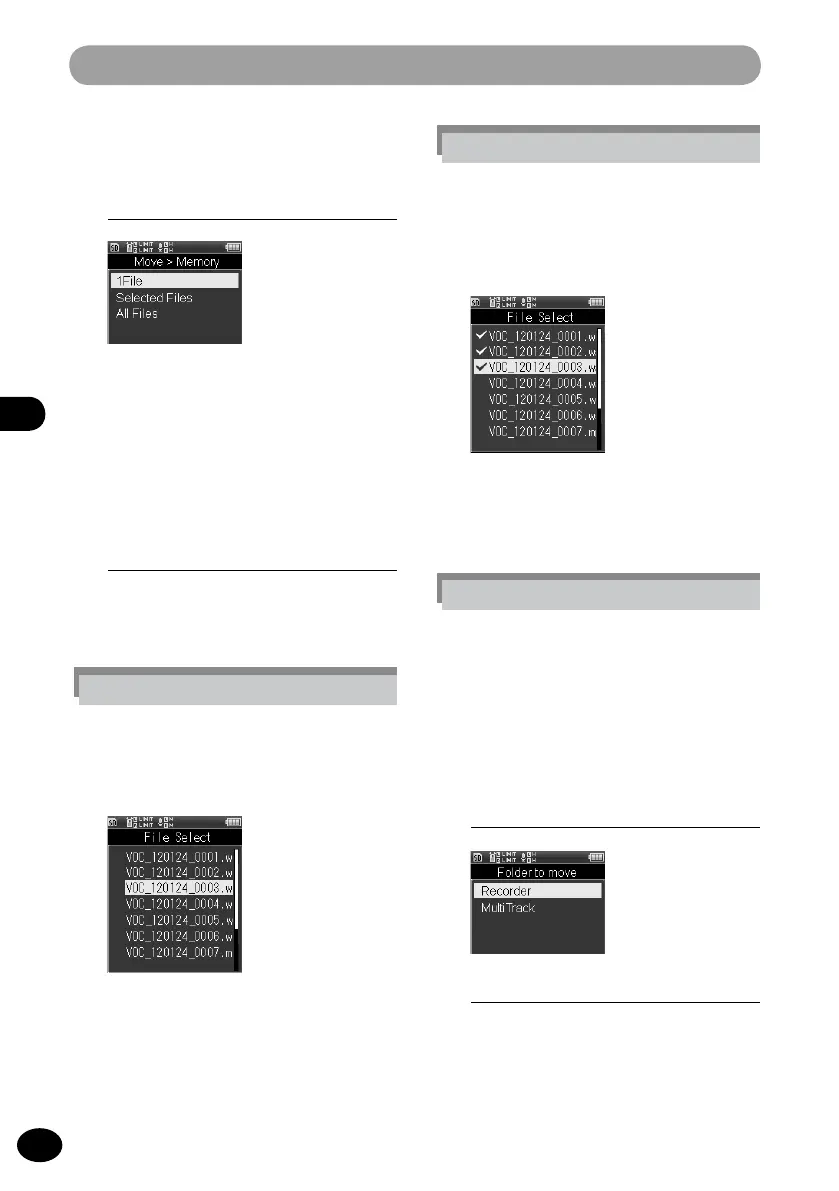
File menu [File Menu]
[Selected files] setting
1
Press the
+
/
−
button to select the
file to be moved or copied and
press the
OK
button to put a check
mark in the file.
2
Repeat step 1, select a file to be
moved or copied, and then press
the
F2
(Determine) button.
6
Press the
+
/
−
button to select
the number of files for moving or
copying
[One file]
The specified file is selected.
[Selected files]
Several files are selected.
[All files]
All files in the folder are selected.
7
Press the
OK
button.
•
The selected menu screen appears.
[One file] setting
1
Press the
+
/
−
button to select the
file to be moved or copied and
press the
OK
button.
[All files] setting
1
All files in the current folder are
automatically selected, and the
screen shifts to the [Destination]
screen.
8
Press the
+
/
−
button to select a
destination folder for files to be
moved or copied.
9
Press the
OK
button.



 To Next Page