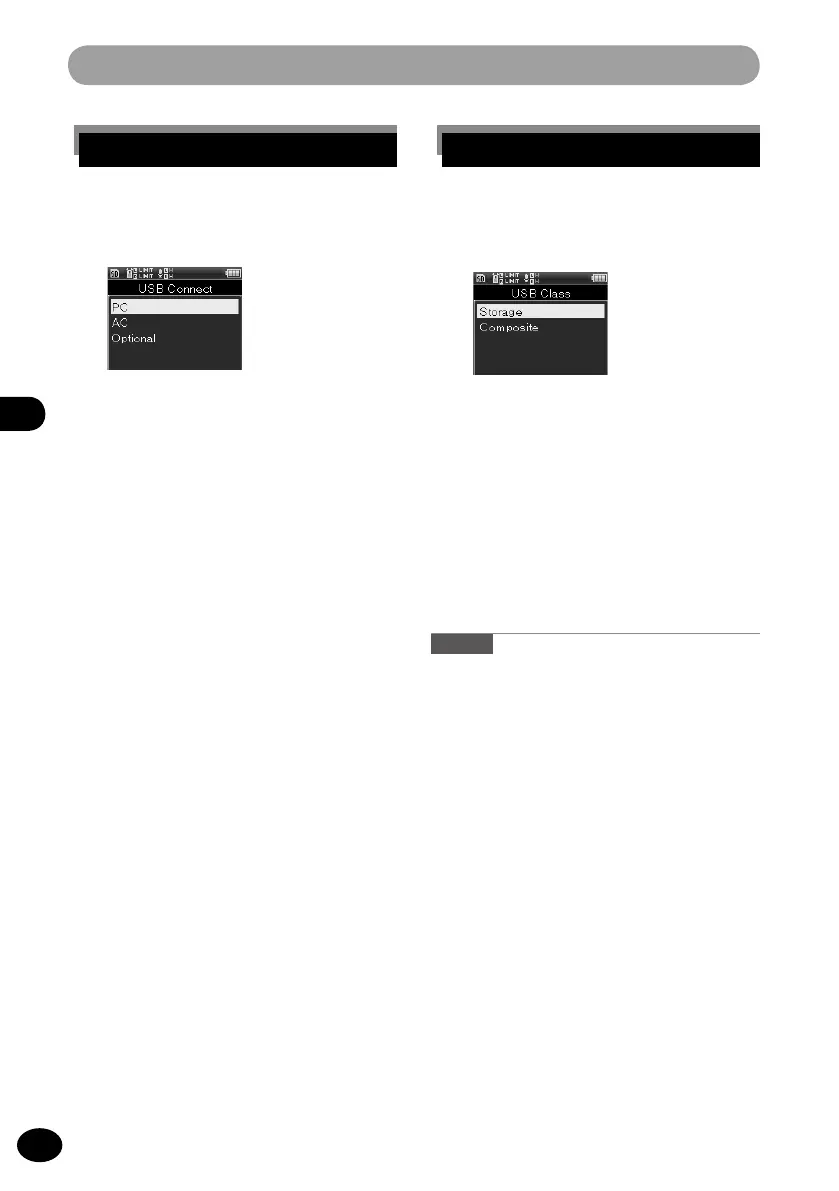
When [USB Connection] is selected
1
Select a menu item by pressing the
+
/
−
button and then pressing the
OK
button.
[PC]
This menu item sets connection to the
PC. The recorder is connected as the
storage or the composite.
[AC Adapter]
This is the setting used for charging
from the PC or for connecting to the
AC adaptor (A514).
[Optional]
This setting is to check the connecting
method every time the USB is con-
nected.
Device menu [Device Menu]
[Storage class]
The recorder is recognized as the
external storage device by the PC.
[Composite]
This is the setting when the recorder
is used as an external storage device,
USB speaker, or microphone through
connection to the PC.
Caution
•
When the recorder is connected to a PC for
the first time as an external storage device, the
driver of this device is automatically installed to
the PC.
•
When [USB Connection] is set to [AC
Adapter], the PC does not recognize the device.
•
When the PC does not recognize the device as
an external storage device, switch [USB Class]
to [Storage class].
When [USB Class] is selected
1
Press the
+
/
−
button to select
[Storage class] or [Composite]
and then press the
OK
button.



 To Next Page