99
EN
6
File Menu
File menu [File Menu]
8
Press the
OK
button.
•
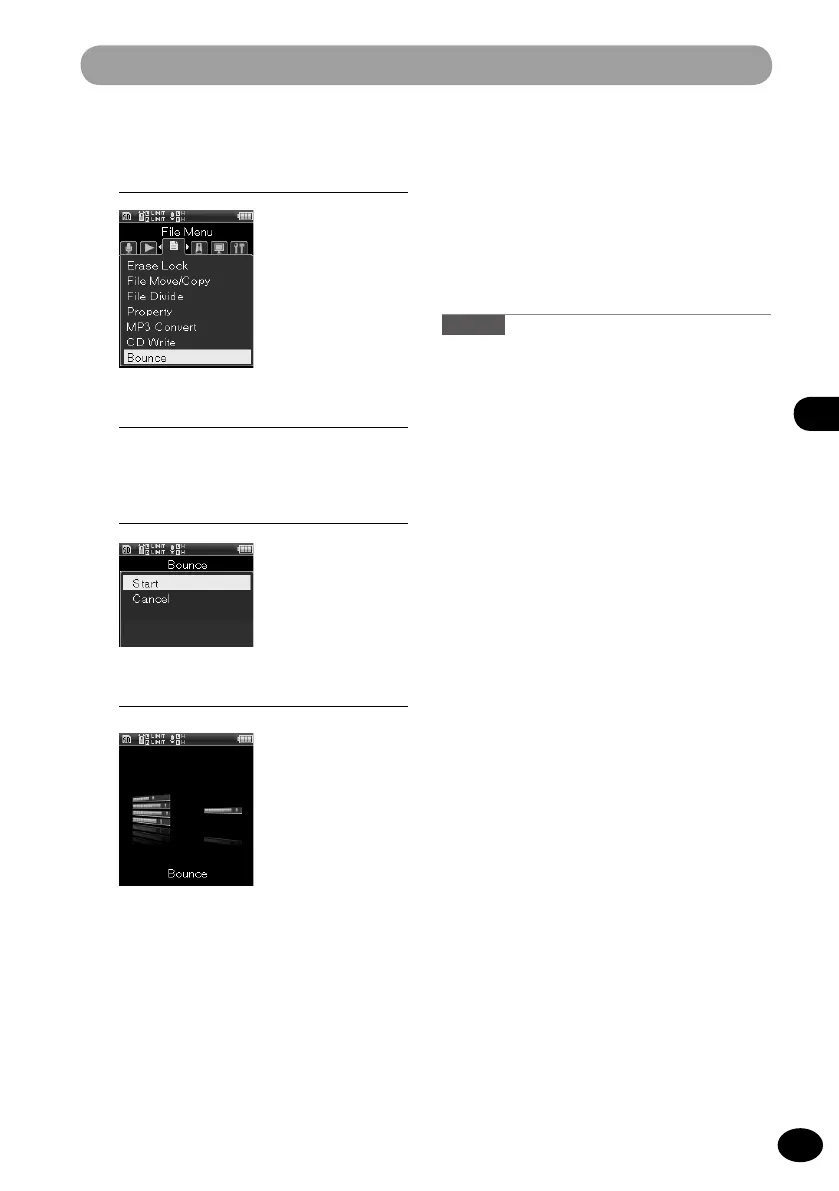
The animation is displayed on the
screen, and the bounce process starts.
[When [Done] is displayed, bouncing
is finished.
•
When the bounce process completes,
the new PCM format [44.1kHz/16bit]
file is saved in the project.
A
•
When [Bounce] (
☞
P.106) is set to the
Fn
button, pressing the allocated button starts the
bounce process.
Caution
•
[
Bounce] does not function in the recorder
mode.
5
[Menu]
{
[File Menu]
{
[Bounce]
7
Press the
+
button to select [Start].
6
Press the
OK
button.
•
The bounce check window appears.



 To Next Page