4 Install OLYMPUS Viewer 2 and ib computer
software.
• Check the system requirements before beginning
installation.
• Click the "OLYMPUS Viewer 2" or "OLYMPUS ib"
button and follow the on-screen instructions to
install the software.
OLYMPUS Viewer 2
Operating Windows XP (Service Pack 2 or later)/
System Windows Vista/Windows 7
Processor Pentium 4 1.3 GHz or better
RAM 1 GB or more (2 GB or more
recommended)
Free Hard
1 GB or more
Drive Space
Monitor 1024 x 768 pixels or more
Minimum 65,536 colors (16,770,000
Settings colors recommended)
ib
Operating Windows XP (Service Pack 2 or later)/
System Windows Vista/Windows 7
Pentium 4 1.3 GHz or better
Processor (Pentium D 3.0 GHz or better required
for movies)
512 MB or more (1 GB or more
RAM recommended)
(1 GB or more required for movies--2 GB
or more recommended)
Free Hard
1 GB or more
Drive Space
Monitor 1024 x 768 pixels or more
Minimum 65,536 colors (16,770,000
Settings colors recommended)
A minimum of 64 MB video RAM with
Graphics DirectX 9 or later
* See online help for information on using the software.
Install the camera manual.
• CIick the "Camera Instruction Manual" button and
EN
follow the on-screen instructions.
Macintosh
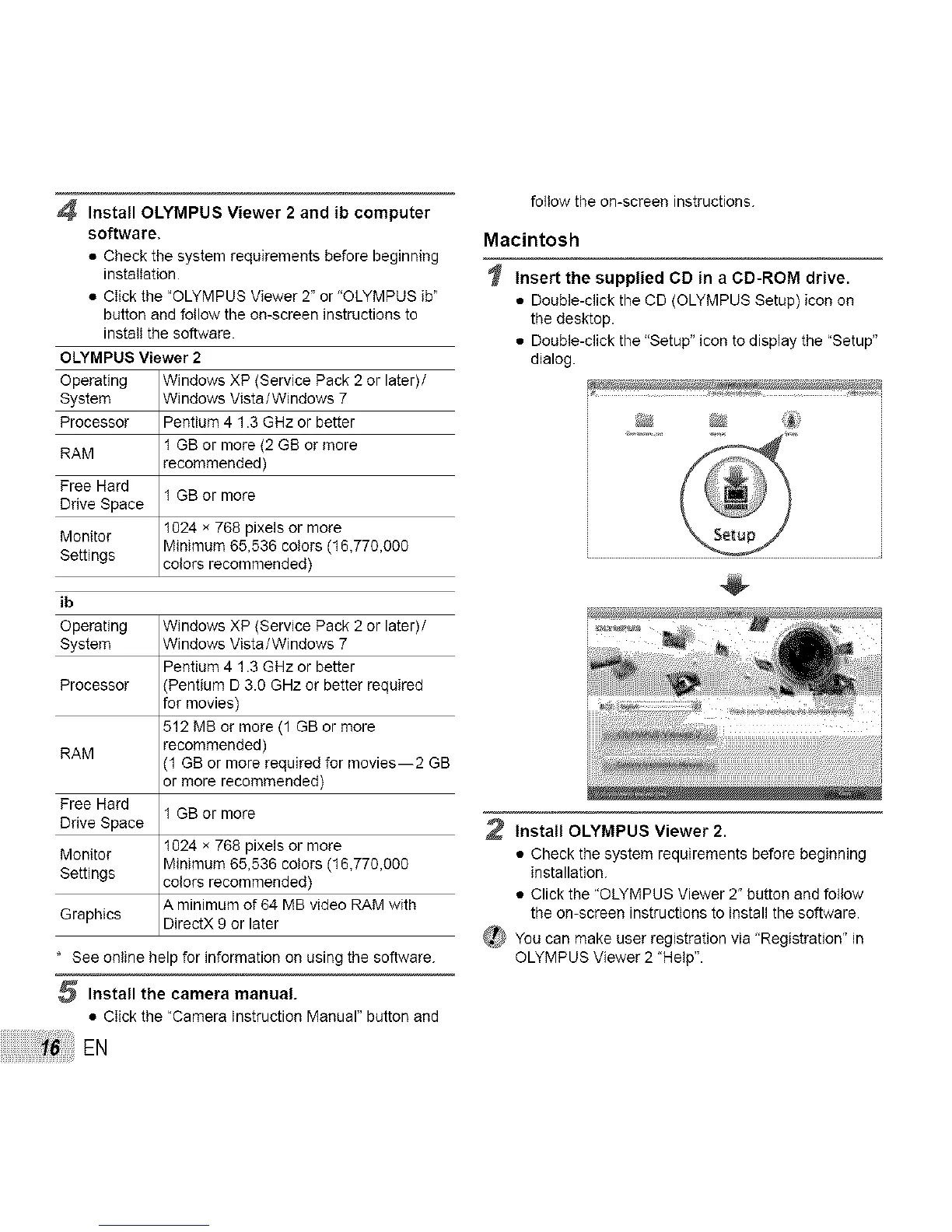
Insert the supplied CD in a CD-ROM drive.
• Double-click the CD (OLYMPUS Setup) icon on
the desktop.
• Double-click the "Setup" icon to display the "Setup"
dialog.
Install OLYMPUS Viewer 2.
• Check the system requirements before beginning
installation.
• Click the "OLYMPUS Viewer 2" button and follow
the on-screen instructions to install the software.
_ You can make user registration via "Registration" in
OLYMPUS Viewer 2 "Help".



 To Next Page