5 Advanced Operations
5 - 38
E5@C Digital Temperature Controllers User’s Manual (H174)
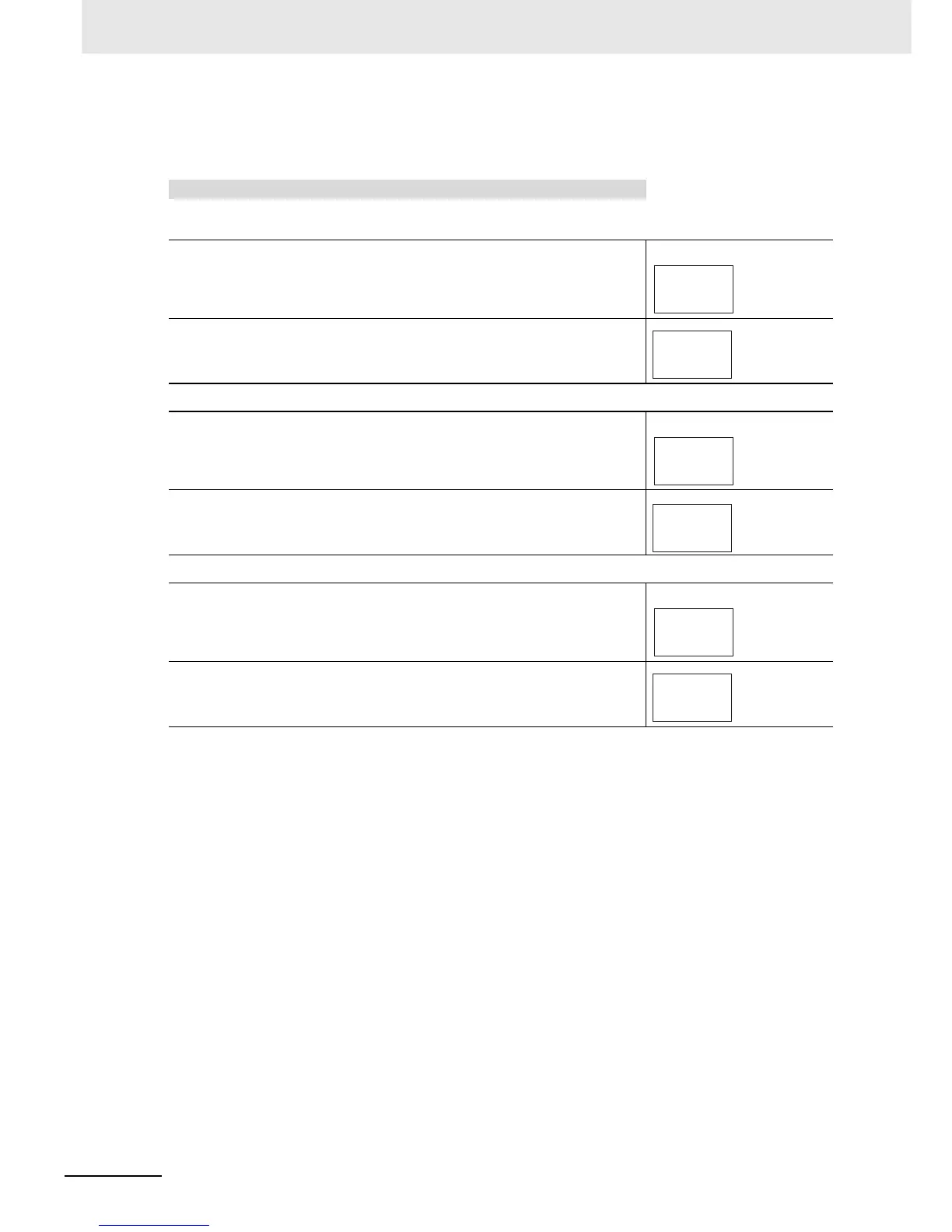
The following procedure sets the transfer output for an SP range of −50
to 200.
Operating Procedure
• Setting the Transfer Output Type
1
Press the M Key several times in the Initial Setting Level to
display tr-t (Transfer Output Type).
Initial Setting Level
2
Press the U or D Key to select sp.
The default is off.
• Setting the Transfer Output Upper Limit
1
Press the M Key several times in the Initial Setting Level to
display tr-h (Transfer Output Upper Limit).
Initial Setting Level
2
Press the U or D Key to set the value to 200.
The default is 1300.
• Setting the Transfer Output Lower Limit
1
Press the M Key several times in the Initial Setting Level to
display tr-l (Transfer Output Lower Limit).
Initial Setting Level
2
Press the U or D Key to set the value to −50.
The default is −200.
off
tr-t
Transfer Output
Type
sp
tr-t
1300
tr-h
Transfer Output
Upper Limit
200
tr-h
-200
tr-l
Transfer Output
Lower Limit
-50
tr-l


 To Next Page