3 Part Names and Basic Procedures
3 - 4
E5@C Digital Temperature Controllers User’s Manual (H174)
3-3 Part Names, Part Functions, and
Setting Levels
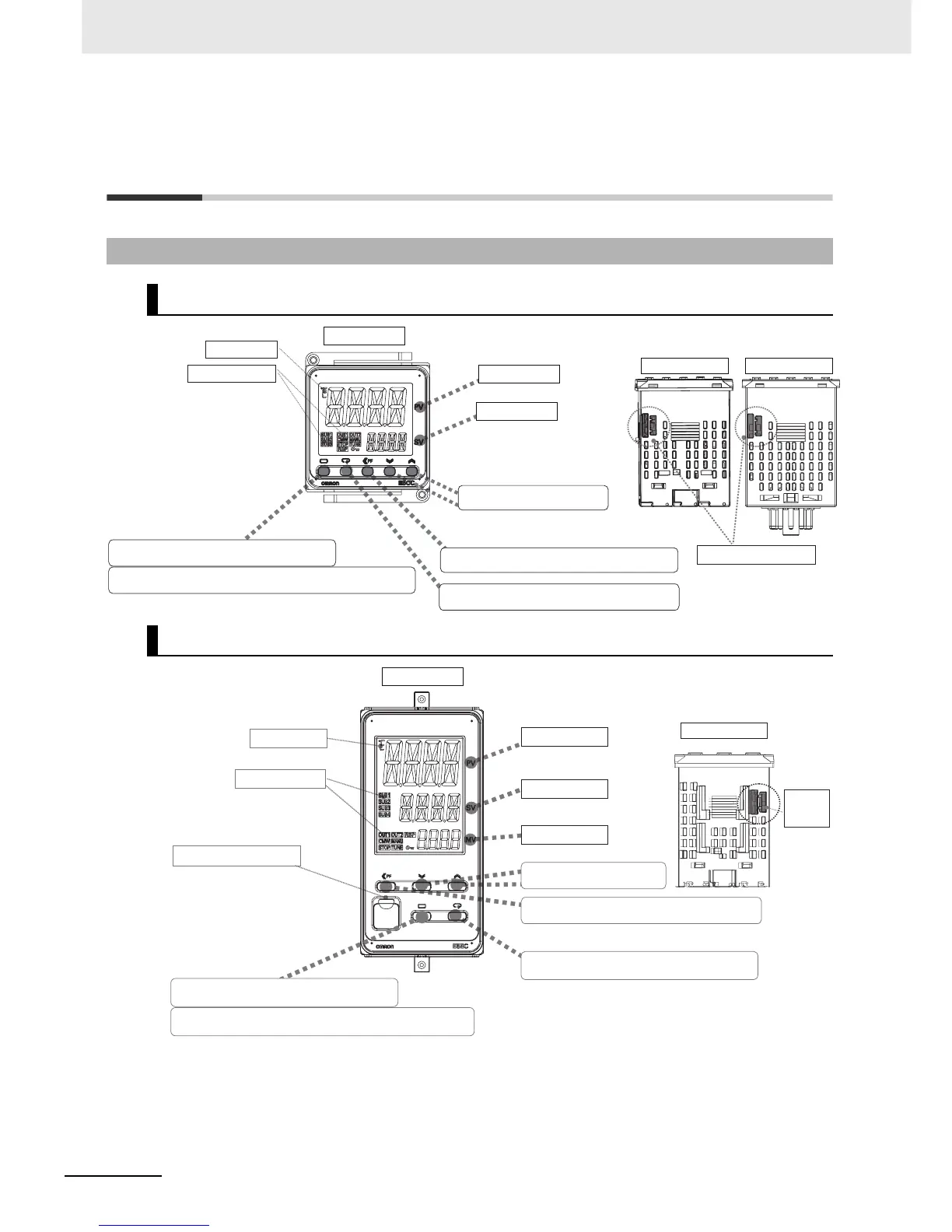
3-3-1 Part Names and Functions
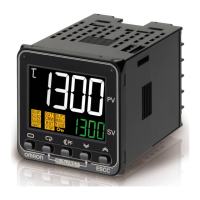
E5CC
E5EC
Press O Key once to go to Adjustment Level.
Press O Key for at least 3 seconds to go to Initial Setting Level.
Press the M Key to change to another parameter.
Operation indicators
No. 1 display
No. 2 display
Temperature unit
Press S Key to change the digit (default setting).
Press the U D Keys to set the
parameter.
Front panel
PV or specified parameter
SP or specified parameter value
Top View of E5CC
Top View of E5CC-U
Setup Tool port on top panel
Operation indicators
Temperature unit
Front-panel Setup Tool port
Press S Key to change the digit (default setting).
Press the M Key to change to another parameter.
No. 1 display
No. 2 display
No. 3 display
PV or specified parameter
SP or specified parameter value
Manipulated value or other value
Top View of E5EC
Press the U D Keys to set
the parameter.
Top-panel
Setup
Tool port
Front panel
Press O Key once to go to Adjustment Level.
Press O Key for at least 3 seconds to go to Initial Setting Level.


 To Next Page