51
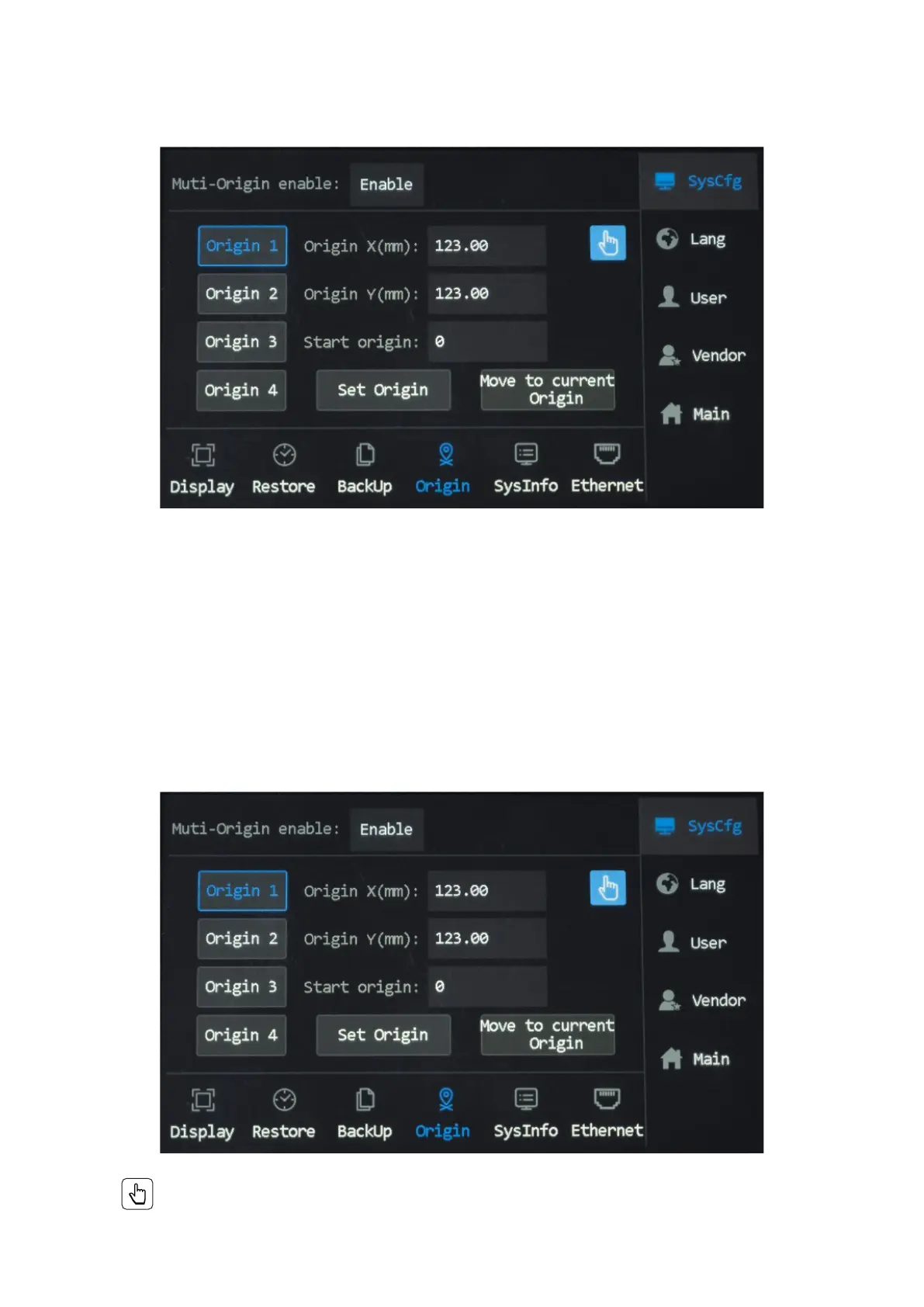
2. Put in your desired X & Y coordinates. If you are unsure whether the coordinates you put in will be the position
you want the laser head to move to, tap “Move to current Origin”.
3. The laser head should automatically move to the coordinates you put in. Adjust as needed.
4. After a desired origin was set, tap “Set Origin” to save. To delete and reset a set origin, tap “Cancel origin” and
repeat Step 2.
Manual Origin
1. Tap to choose an Origin, Origin 1 as is in the case demonstrated below.
2. Tap . And the menu as shown shows up.
Input Origin
1. Tap to choose an Origin, Origin 1 as is in the case demonstrated below.



 To Next Page