53
5.9.3 Backing up Factory Parameters
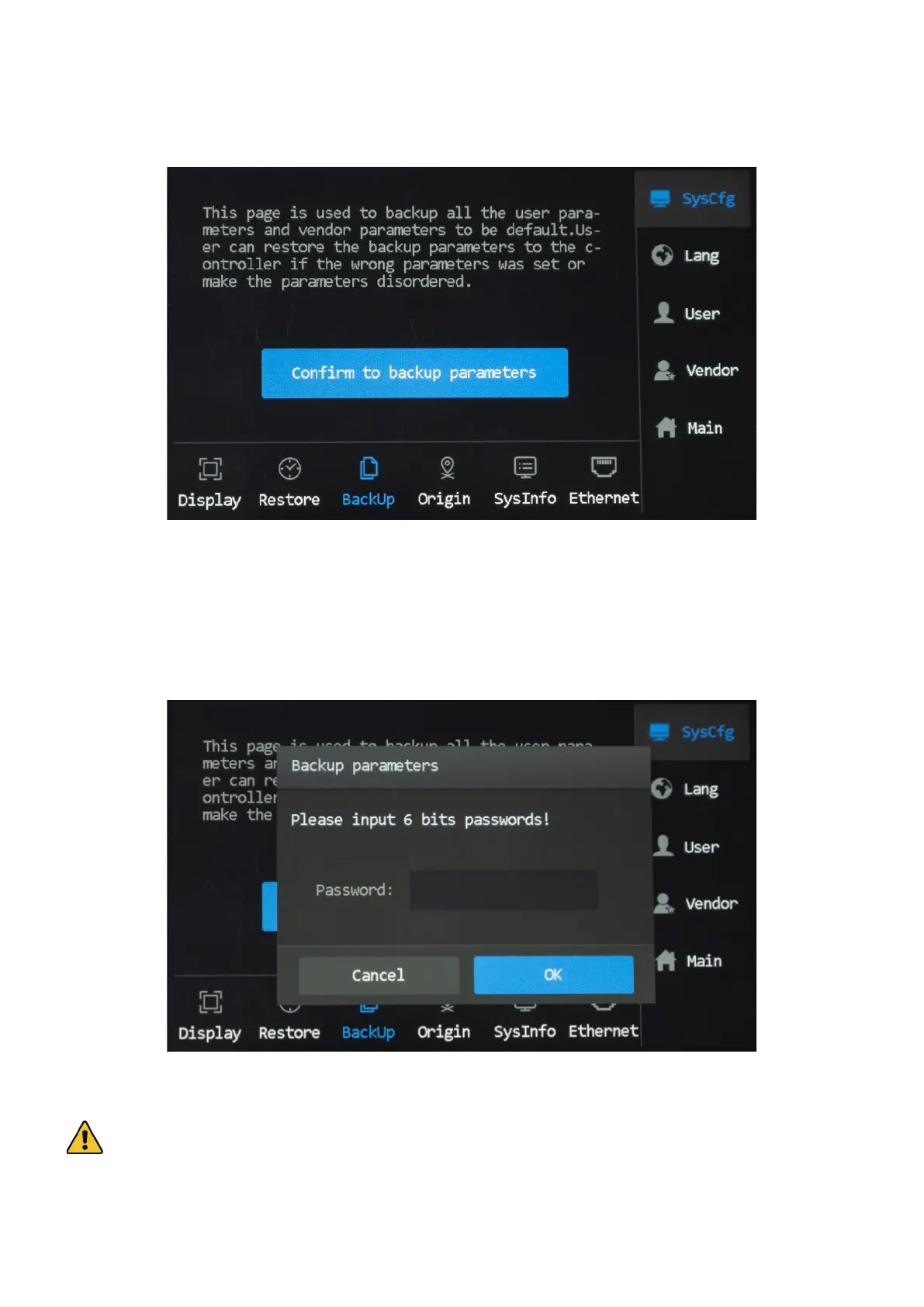
Tap “BackUp”, and the menu as shown shows up.
To back up the current set parameter values,
1. Tap “Conrm to backup parameters”.
2. Enter your passcode in the pop up that shows up.
Caution! Use this feature upon powering on the engraver so that the factory defaults of the parameters can be
stored for future restoring the factory parameter values.



 To Next Page