U
U
s
s
e
e
r
r
m
m
a
a
n
n
u
u
a
a
l
l
8
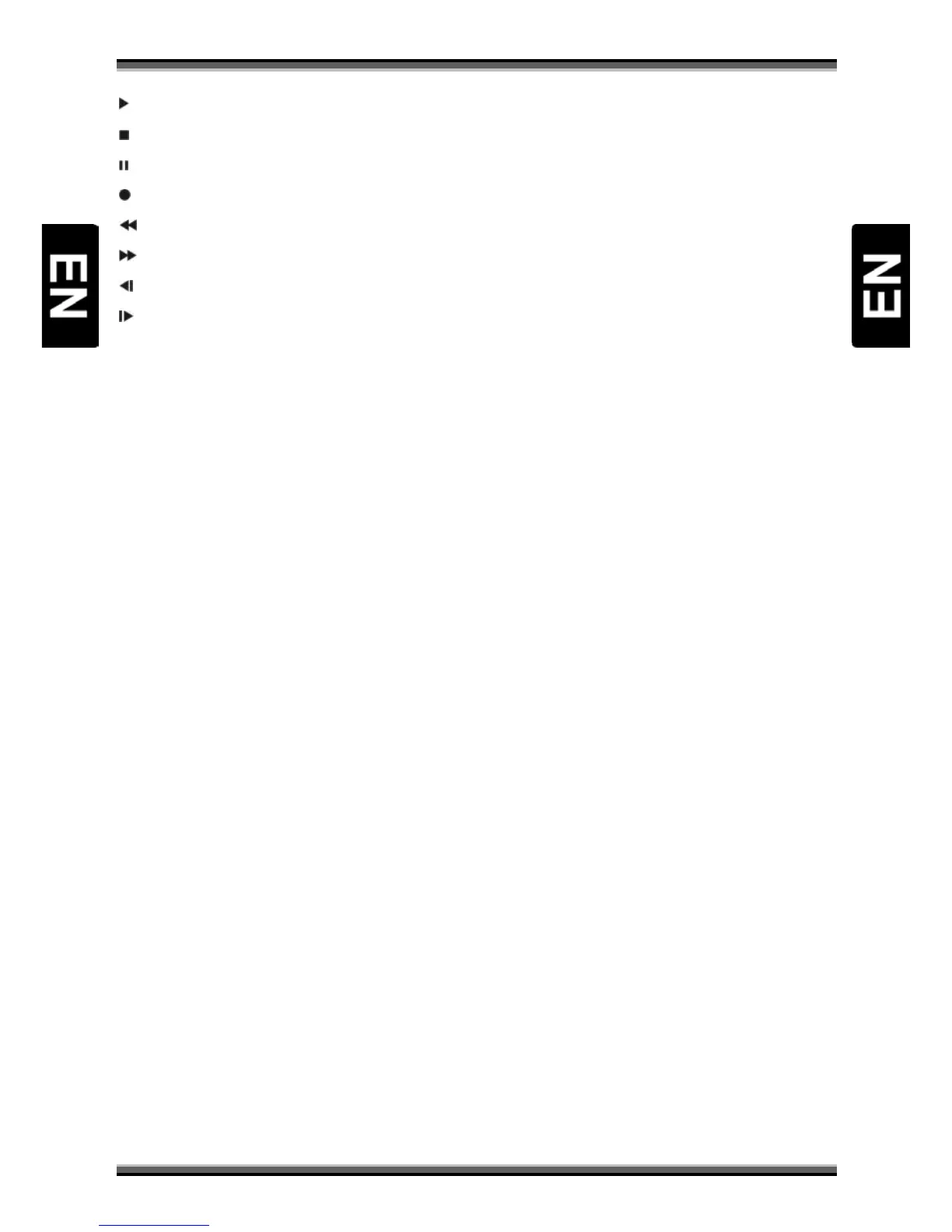
Play
To play the JPEG or recording file.
Stop
To stop JPEG player, recording file, Time Shift, or playback.
PAUSE
Used to select the freeze function. Press once to freeze the screen picture.
Record
To start recording.
Fast Backward
To start Fast Backward function
Fast Forward
To start Fast Forward function.
Slow Backward
To start Slow Backward function.
Slow Forward
To start Slow Forward function.
F1(Reserve)



 To Next Page