U
U
s
s
e
e
r
r
m
m
a
a
n
n
u
u
a
a
l
l
13
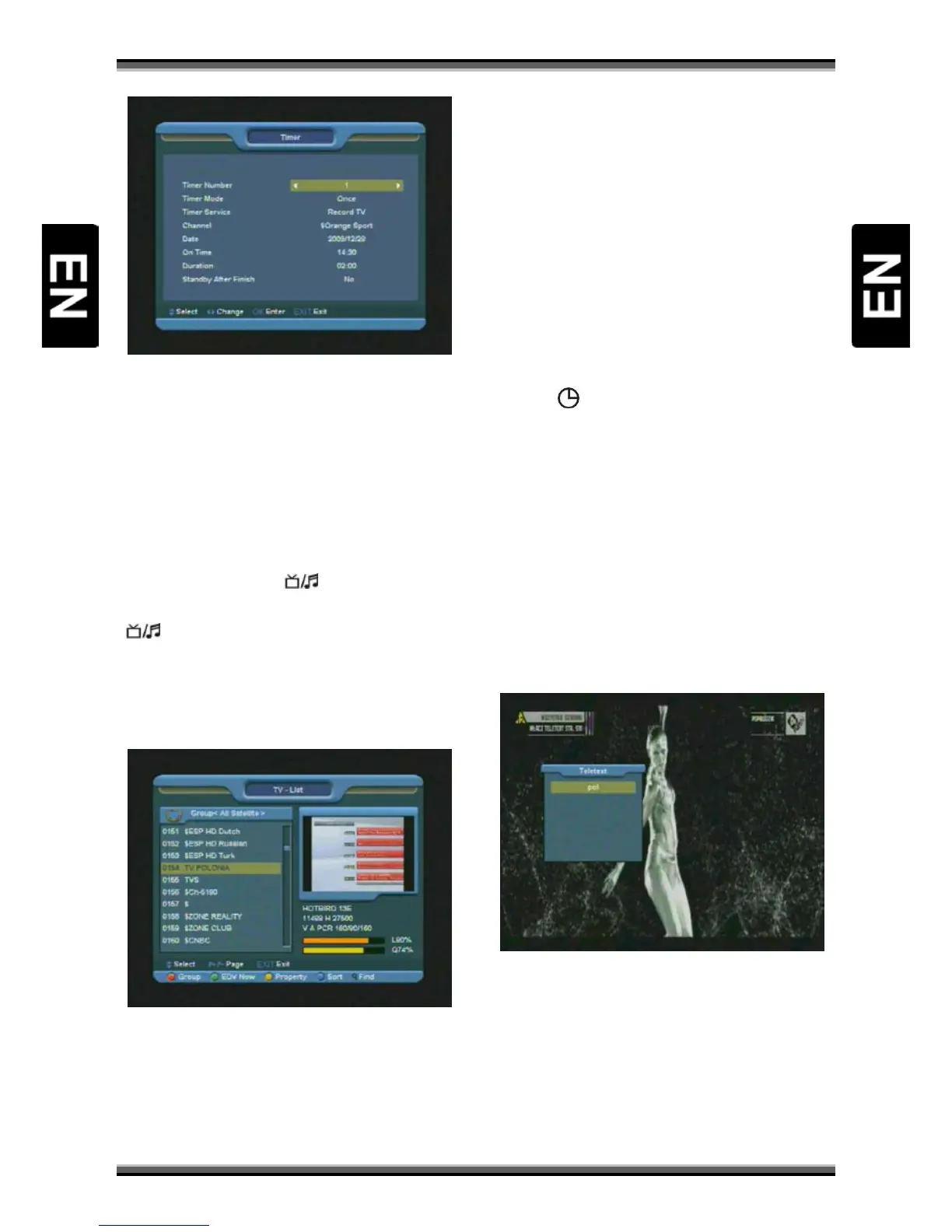
5. Press [YELLOW] key to open “Timer” window.
User can save a timer as he want. More about
timers You can read in
6. Press [REC] key to directly add timer for
recording event.
7. In EPG menu, press [EXIT] to close EPG screen.
9.13. TV/RADIO
In TV mode, pressing [ (TV / RADIO)] key can
switch to Radio mode. In Radio mode, press
[
(TV / RADIO)] key to switch to TV mode.
9.14. Channel List
1.In full screen, press [OK] key to enter “Channel
List”.
2.Press [RED] key to change channels group.
3.Press [BLUE] key to open the “Sort” window.
There are five kinds of sorting ways.
4.Press [GREEN] key to recall shortcut to EPG
actual event details.
5.Press [YELLOW] key to enable shortcut to
channel parameters edition.
6.Press [↑/↓] key to move highlight and press [OK]
key to play the highlighted channel.
7.Press [P+/P-] key to page up and page down.
8.Press [EXIT] key to exit the channel list.
9.15. Sleep
1.This function can set sleep timer. When you set a
sleep timer and the time arrive, the system will
enter to standby automatically.
2.Press [
(SLEEP)] key to switch the mode
between Sleep Timer Off /10/30/60/90/120
minutes.
9.16. Page Up/Page Down
1.In Channel list, press [P+/P-] key can page up and
page down the channel list.
9.17. TEXT
1.Press [TEXT] key in full screen, you can open
teletext page on the channel which has teletext
information.
1.If the channel has no teletext information, it will
show “No Teletext Data” on the screen.



 To Next Page