U
U
s
s
e
e
r
r
m
m
a
a
n
n
u
u
a
a
l
l
30
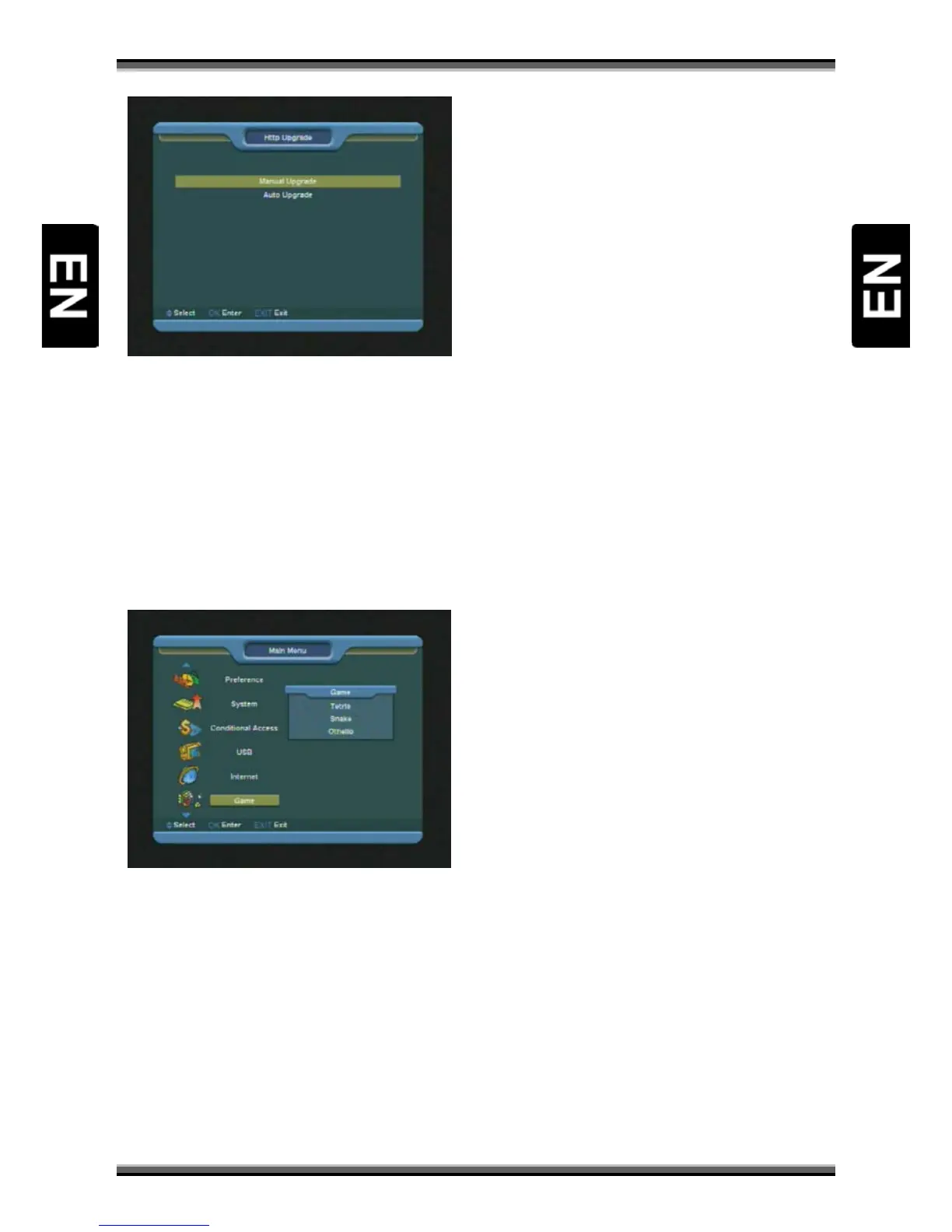
1.When connected to the Internet, receiver can
manually or automatically make software update
from file from server.
Note:
This function depends on connection with
external server. In case of no software on server,
this function will not work.
17. Menu “Game”
When you enter “Game” menu, you will see three
Games include Tetris, Snake and Othello.
Basic operation statement:
17.1. Tetris
1.Moving highlight to “Setup” and press [←/→]
key to select the game level (speed).
2.Moving highlight to “Start” and press [OK] key to
start the game.
3.Moving highlight to [Cancel]keys and press
[OK]key to draw back from the game.
4.Start on the game:
• [←/→] Move shape left or right
• [↑] Rotate clockwise
• [↓] Faster drop
• [OK] Pause/Play the game
• [EXIT] Quit game and draw back to “Game”
menu.
17.2. Snake
1.Moving highlight to “Setup” and press [←/→]
key to select the game level (speed).
2.Moving highlight to “Start” and press [OK] key to
start the game.
3.Moving highlight to[Cancel]keys and press
[OK]key to draw back from the game.
Start on the game:
• [←/→/↑/↓] use these arrow keys to guide the
snake.
• [OK] Pause/Play game
• [EXIT] Quit game and draw back to “Game”
menu.
17.3. Othello
1.Moving highlight to “Setup” and press [←/→]
keys to select the game level (degree of difficulty).
2.Moving highlight to “Start” and press [OK] key to
start the game.
3.Moving highlight to [Cancel] keys and press [OK]
key to draw back from the game.
Start on the game:
• [←/→/↑/↓] use these arrow keys to guide
chessman.
• [OK] set chessman.
[EXIT] Quit game and draw back to “Game” menu



 To Next Page