U
U
s
s
e
e
r
r
m
m
a
a
n
n
u
u
a
a
l
l
18
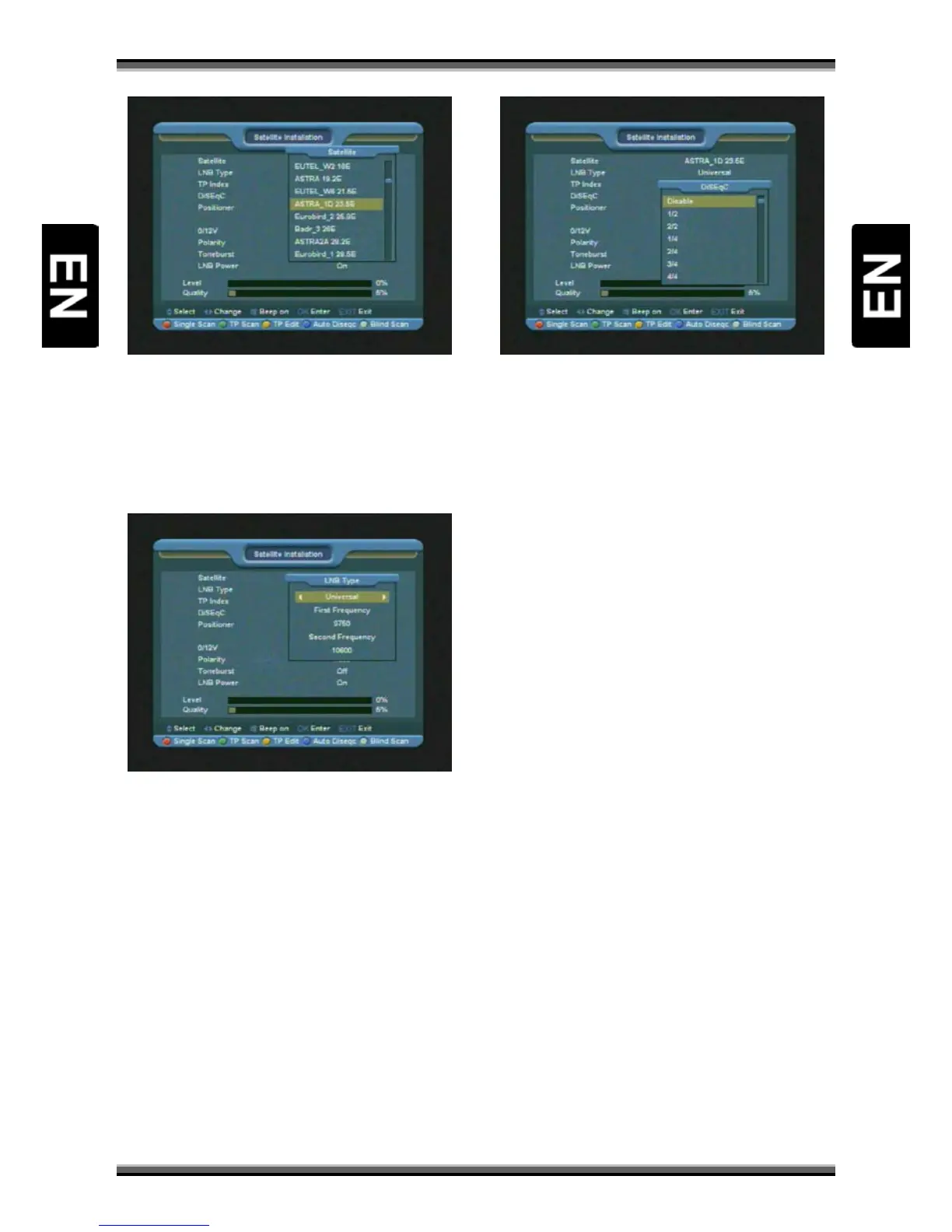
2.Press [↑/↓] key to select satellite. Press [P+/P-]
key to page up or page down.
11.1.2. LNB Type
In this item, press [←/→] to switch among
“Standard”, “User” and “Universal” mode.
11.1.3. DiSEqC
DiSEqC: You can use [←/→] key to switch options.
There are several options for your selection:
• Disable: without DiSEqC.
• 1/2, 2/2: two ports DiSEqC
• 1/4, 2/4, 3/4, 4/4: 4 ports DiSEqC
• 1/8, 2/8… 8/8: 8 ports DiSEqC
• 1/16, 2/16….16/16: 16 ports DiSEqC
11.1.4. Positioner
Positioner: In “Positioner” item, you can press
[←/→] key to switch “None / DiSEqC 1.2 / USALS”
functions.
11.1.5. 22K
You can use [←/→] key to switch “ON / Off”.
When this item is switched to “ON”, receiver will
receive TV and radio input signal from 22K port. If
the item is switched to “Off”, the receiver will
receive all signal from 0K port.
Note:
When you choose LNB type “Universal”, you
cannot modify 22K.
11.1.6. 0/12V (Optional)
You can use [←/→] key to switch “0V / 12V”.
When this item switches to “12V”, receiver will
receive TV and radio input signal from 12V port. If
the item switches to “0V”, the receiver will receive
all signals from 0V port.
11.1.7. Toneburst
In “Toneburst” item, you can press [←/→] key to
switch “Off/On” functions.
11.1.8. Polarity
In “Polarity” item, [←/→] key to switch “Auto / H
/ V” functions.
11.1.9. Edit TP



 To Next Page