PULSAR
2
ESP
Installation and Operating Manual
OPTIKON 2000
Cod. 111007EN Rev.E
7-10
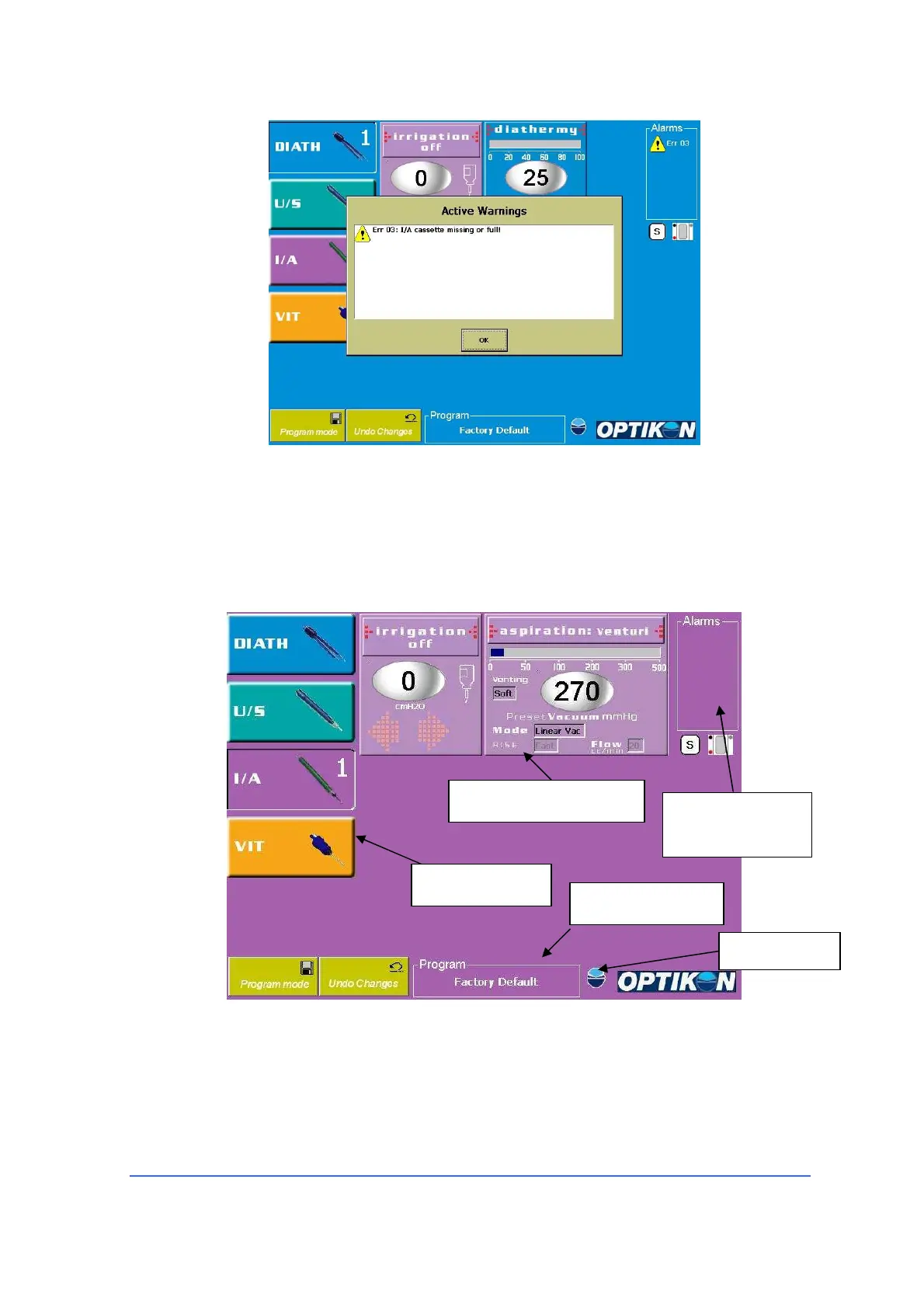
On the screen is permanently visible an Optikon round logo. When the software is
running correctly the logo rotates. If it stops then the system is idle. The user
should periodically look at the logo to check for the system status. For a better
explanation of user interface glossary and layout see figures below.
Equipment function screen
Function Keys
Parameters Windows
Program Window
Warnings/Errors
Messages board
Moving Sprite



 To Next Page