PULSAR
2
ESP
Installation and Operating Manual
OPTIKON 2000
Cod. 111007EN Rev.E
7-11
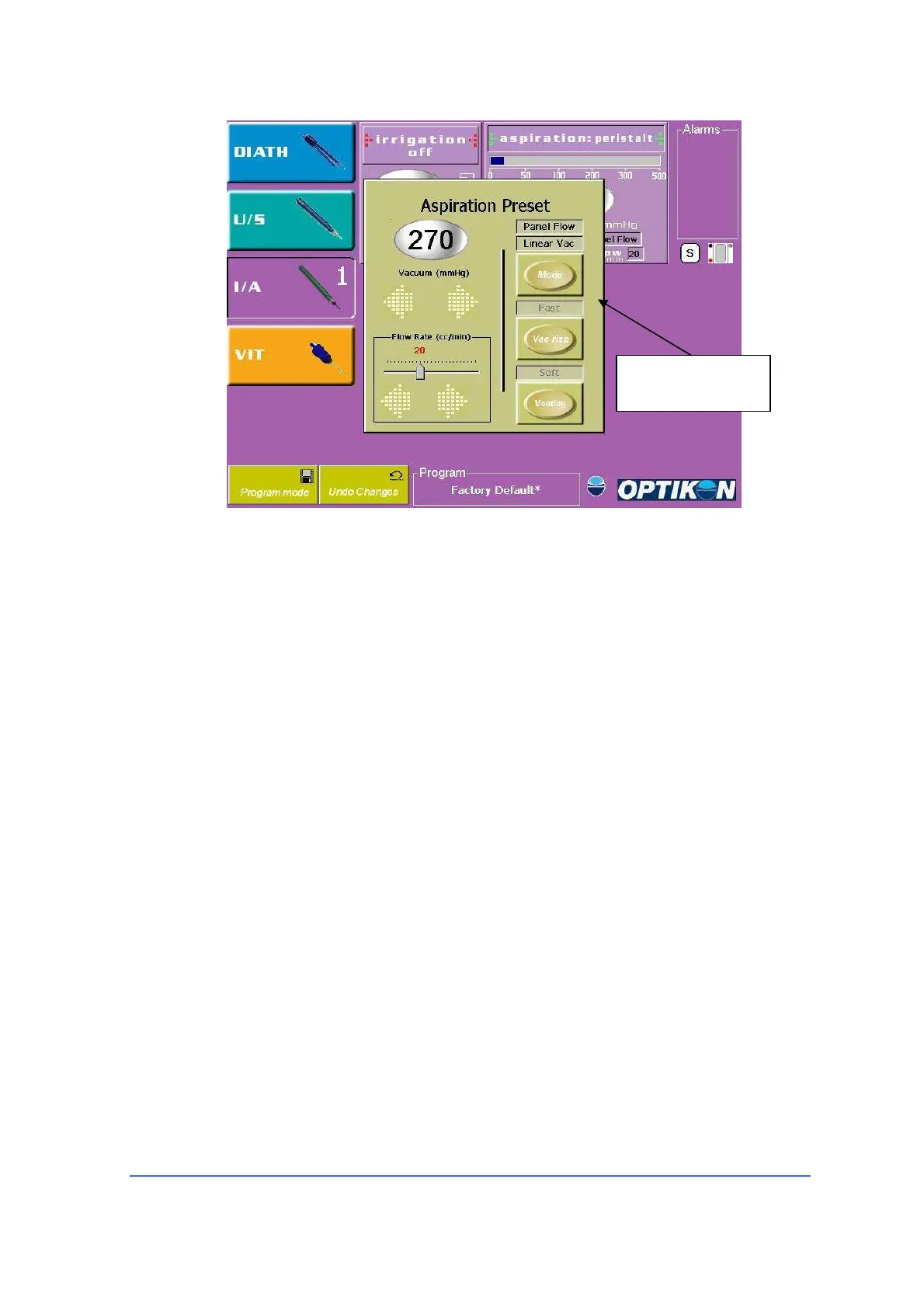
Pop-up window for parameters setup
When the equipment is switched on, the user interface software is loaded and the
Program Screen is displayed (section 8, point 7). Once the appropriate program has
been selected and the relevant parameters verified on the configuration table, the
user can go to the main function screen by touching the <DONE> key. The various
equipment functions can be selected touching the relevant “soft” function key.
The graphical software simulates the key being depressed and the selected
function screen is displayed.
Setup pop-up
window



 To Next Page