PULSAR
2
ESP
Installation and Operating Manual
OPTIKON 2000
Cod. 111007EN Rev.E
8-25
Program keys
<Advanced>
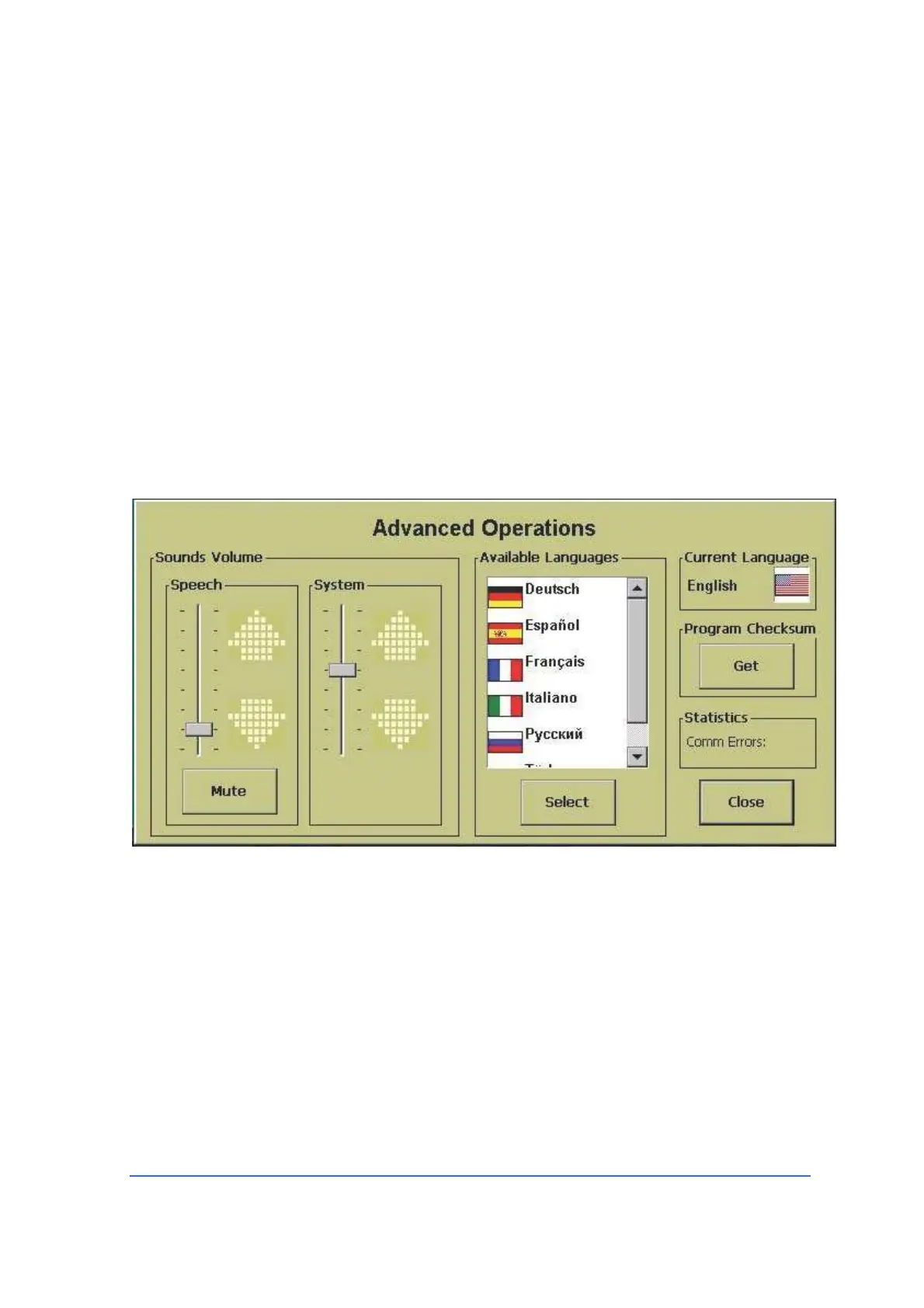
Touching this button will cause a window to open, in which it is possible to:
• Select the language for the warnings, for the error messages, and for the other
messages displayed by the PULSAR
2
unit. To make your choice, touch the flag of
the language you prefer, then confirm by touching the “Select” button.
• Display the Sounds Volume frame, which allows independent adjustment of the
voice message loudness and system sounds/alarms loudness. The “Mute” key
sets to zero the loudness of the voice messages.
• Display software check sum.
<Save>
Touch this key to store the actual configuration table without changing the actual
program name. All modifications effected on the parameters starting from the
original configuration will be then stored and the actual program will be
permanently modified. The ‘Factory Default’ program can not be modified and
then saved without changing its name.
<Save as>
Touch this key to store the actual configuration table with a different program
name. The new program name can be entered by means of the virtual keyboard
appearing on the screen. Press Done to terminate program name input and return
to the program screen.



 To Next Page