PULSAR
2
ESP
Installation and Operating Manual
OPTIKON 2000
Cod. 111007EN Rev.E
8-26
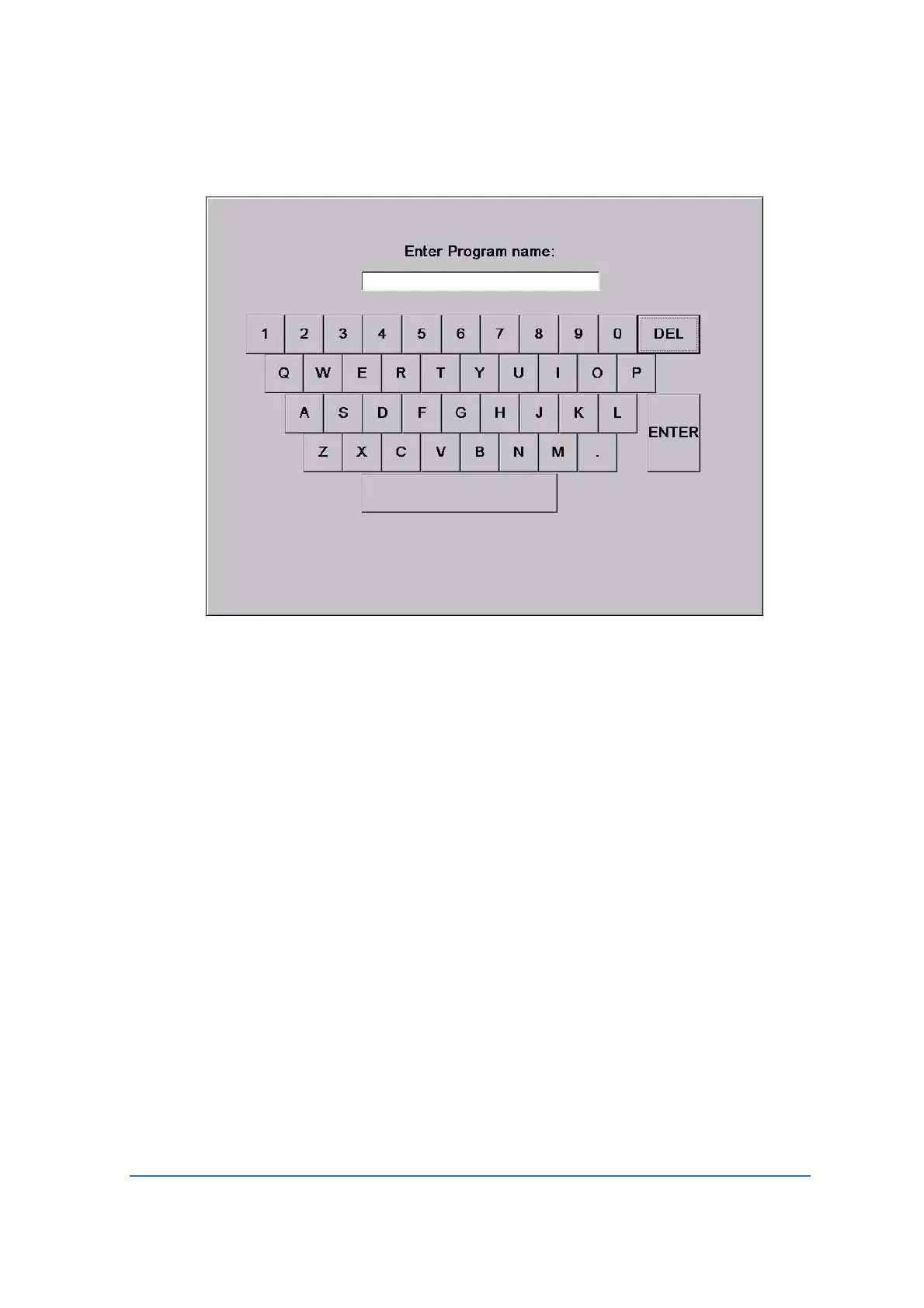
The virtual keyboard
<Delete>
Touch this key to permanently delete the program shown in the available programs
window. The active program and the ‘Factory Default’ program cannot be deleted.
Program select keys
By means of the <UP>/<DOWN> keys the user can scroll the available stored
programs. Once the desired program is displayed in the Available Program frame,
the relevant configuration can be loaded into the equipment memory touching the
<DONE> key.



 To Next Page