TOUCH SENSITIVITY
Like an acoustic piano the instrument responds to velocity controls. This means that the level of the
audio signal will be in proportion with the velocity of the key pressed. If you play soft you will have a
quiet sound, while if you play very hard you will have a much louder sound. The Touch Sense button
can be simply be switched off.
The Touch Sense feature can be set as follow:
- press the SET button. All the programmable features of the instrument will start blinking.
- press the Touch Sense button. Its Led will continue blinking and the display will show:
T.Sens L = On U = On
Curve = 4 Fix = 68
L indicates all the Lower keyboard sections as indicated in the CONDUCTOR
U indicates all the Upper keyboard sections as indicated in the CONDUCTOR.
CURVE is the degree of touch response
FIX is the final volume level ( it is normally set between 60 and 80.)
To alter the degree of touch response move the cursor under the curve using the (<)and(>) DATA
buttons and use the (/\) and (\/) DATA buttons to adjust the value Curve 1 more sensitive Curve 5 less
sensitive.
It is possible to have the Lower or Upper keyboard, respond to the Touch Sense independently of one
another.
RHYTHM FEATURES
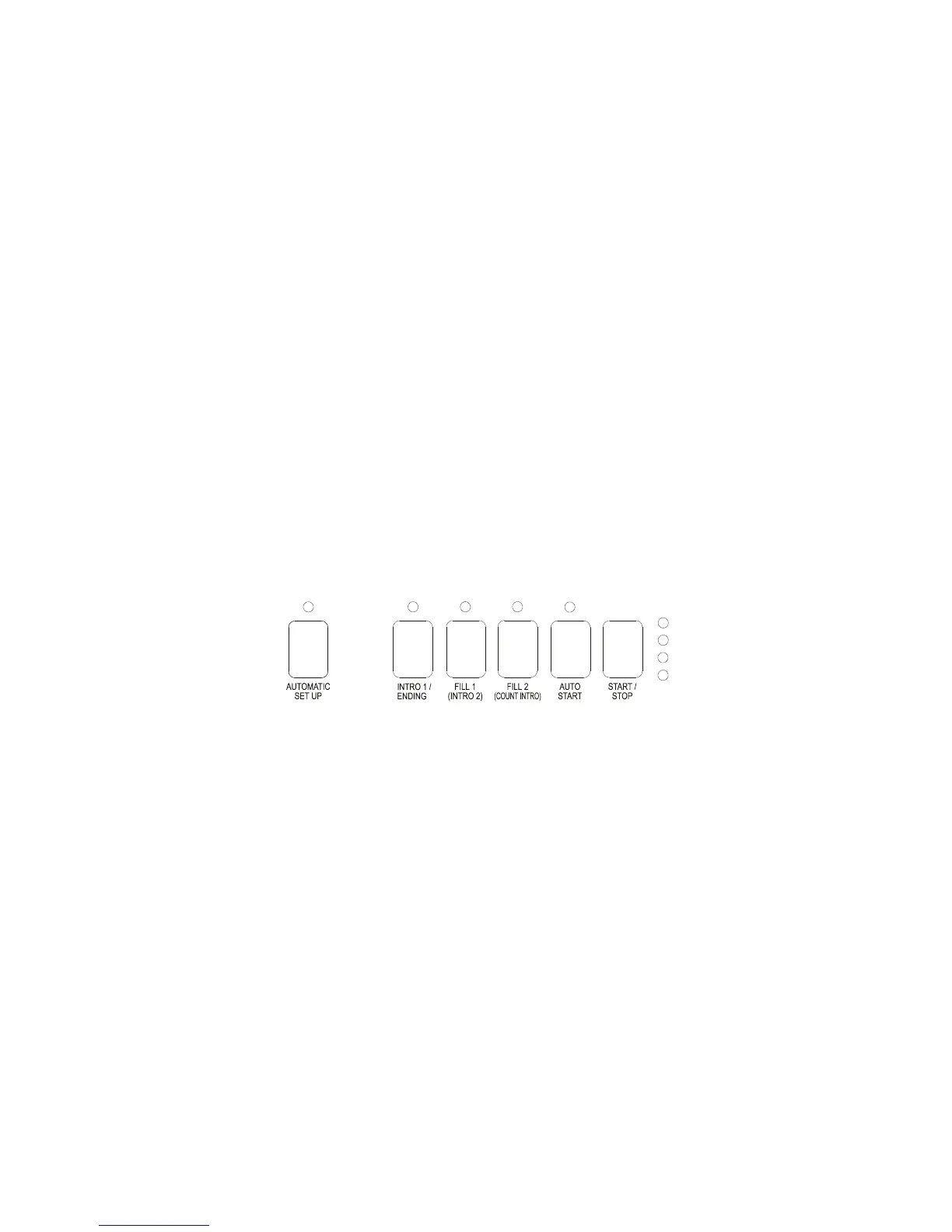
START/STOP
Push once to start the rhythm. Press again to stop it. The START/STOP feature can be programmed for
one of the optional pedals.
AUTO START
When the AUTO START function is activated, the selected rhythm starts as soon as a note is played in
the accompaniment keyboard.
The AUTO START function can be programmed in two different modes:
Syncro Start: The rhythm starts as soon as the first chord is played and stops only by pressing
START/STOP or ENDING
Key Start: The rhythm starts as soon as the first chord is pressed and stops automatically when the
keys are released.
They can be easily selected as follows:
- press the SET button. All the programmable features of the instrument will start blinking.
- press the AUTO/START button. Its Led will continue blinking and the display will show:
AUTO_START set
Syncro
To select Key Start configuration use the (/\) and (\/) DATA buttons.
- to store the new Auto Start setting, simply press the SET button to exit the function.



 To Next Page