AUTOMATIC ORGAN
This section provides 96 ready-made registrations. There are 6 banks of 16 fixed Overall Presets, each
one offering a variety of sounds in different categories.
The Automatic Organ section is situated to the far right hand side of the main control panel above the
upper manual of the instrument. There are 7 vertical buttons:
ELECTRONIC ORGAN
THEATRE ORGAN
CLASSICAL ORGAN
COMBO
ORCHESTRA
BIG BAND
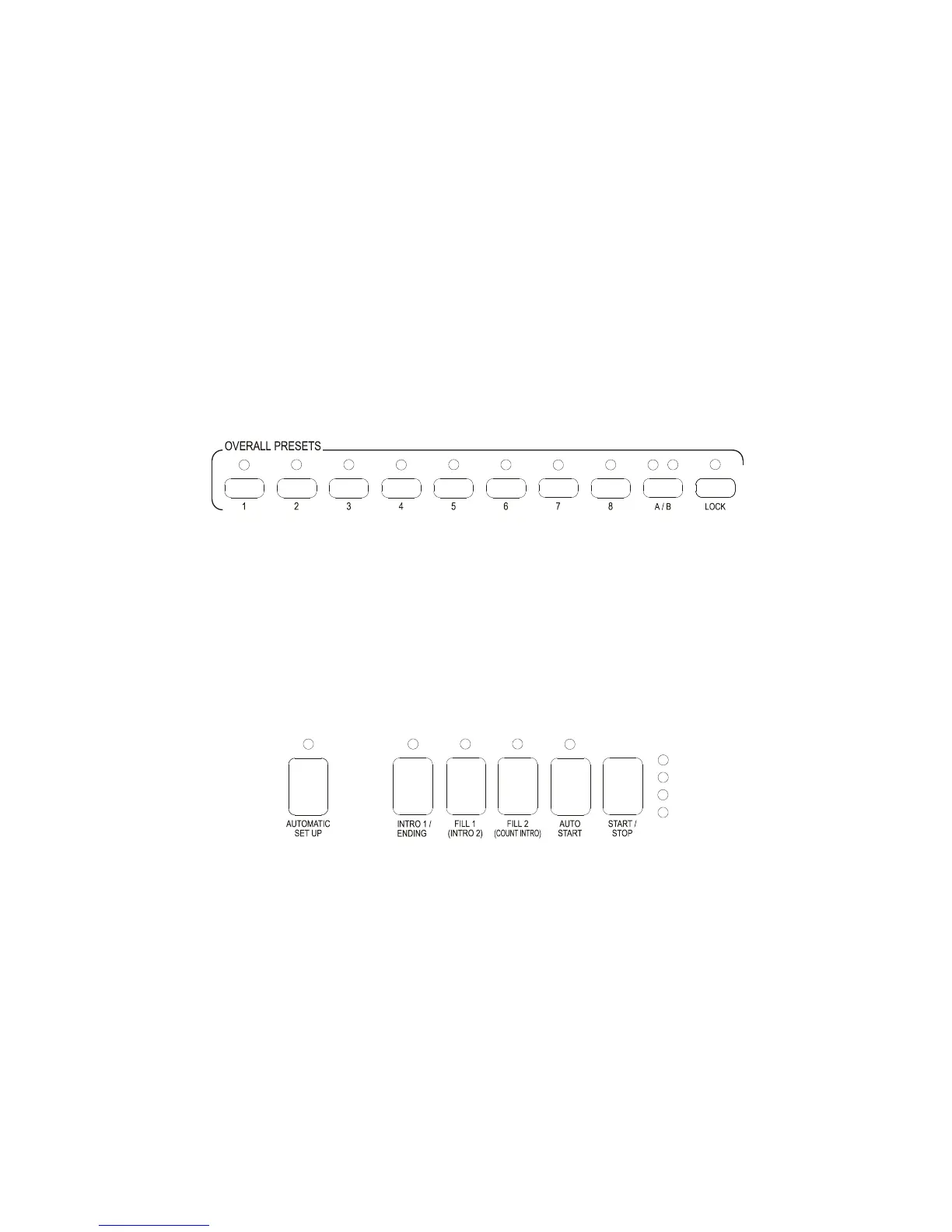
OVERALL PRESETS
The first 6 banks provide 16 sounds each utilising the 8 Overall Preset buttons and the A/B bank
button. These are situated along the top of the Upper manual at the right hand side.
For example if the Electronic Organ button is selected the red LED above it will illuminate and there
will be 8 electronic organ sounds in bank A of the Overall Presets. If the A/B bank button is depressed
the right Led above it will illuminate and there will be a further 8 different organ sounds available.
These registrations set up the sounds on the Upper, Lower keyboards and Bass pedals and also select a
rhythm. If the Theatre Organ button is selected there will be 16 different lovely Theatre Organ
registrations. The same applies to the Classical Organ and Orchestra sections. The Combo section
provides 16 “small group” registrations and upon commencement of playing with the left hand the
drum rhythm will start with a suggested rhythm to go with the registration. If this is not required switch
Off the Auto Start button, which is situated at the bottom of the control panel above the centre of the
Upper manual.
The Band section provides 8 Big Band registrations in bank A and 8 Trad. Oompah and Marching Band
registrations. Normally when any of these registrations are selected a rhythm and suggested tempo are
also set which are indicated in the screen. As each preset is selected the suggested rhythm and tempo
may change.
Sometimes it is beneficial for the rhythm to remain the same when the registration is changed.
To the right hand side of the Overall Presets the Lock button enables the user to select a preset then the
Lock button any subsequent presets that are selected will only alter the Upper keyboard registration.
The Lower keyboard Bass pedals and styles remain the same (this does not apply where the Special
section is used on the lower keyboard). It is possible to change registrations between sections as well
as between Overall Presets.



 To Next Page