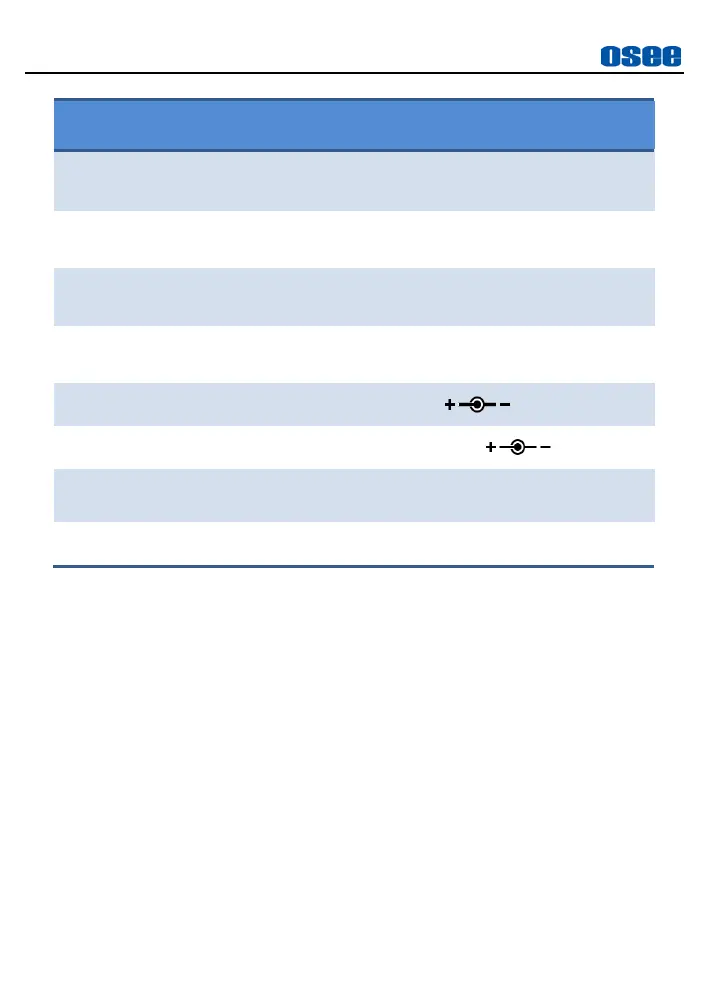
Click the power button to power on; and long
press again for 3s to power off
Insert an SD card to load user LUTs or update
firmware
HDMI input and output interface, supports
HDCP, compatible DVI1.0, HDMI 1.4
Support Sony NP-F Battery, 6.2
~
16.8V
DC power input, 6.2
~
16.8V
Remote control for color calibration, 2.5mm
Jack
Headphone output jack, 3.5mm stereo Jack
4.2 Touch Screen Operations
The monitor provides a touch screen, as shown in Figure 4.2-1. Here are
the gestures you can use in this monitor: tap, swipe and two-fingers zoom
in&out.



 To Next Page