MySets and Tools
43
Chapter 6 MySets and Tools
6.1 Tools Settings
You can create customized MySet pages with different features and tools
in Lilmon 5. In a MySet, tap the PLUS icon in tool bar to Add, Delete a
TOOL.
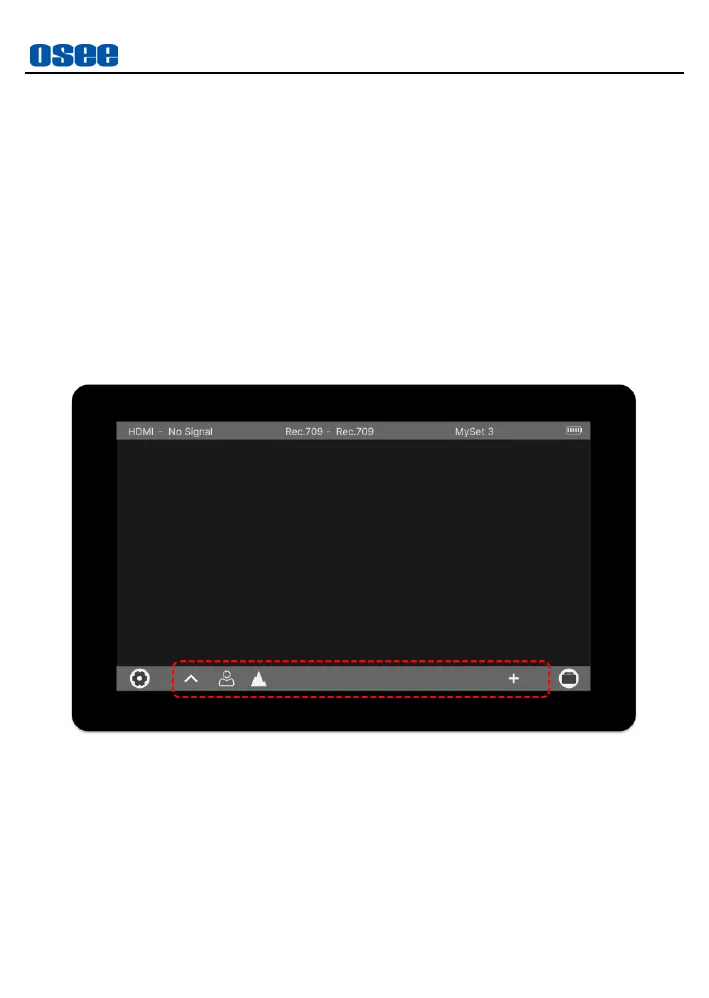
Tap on the screen, the tool bar is displayed at the bottom of the screen, as
shown in Figure 6.1-1.
Figure 6.1-1 Tools for MySet
The tool bar provides access to tools aiding in composition, focus,
exposure and so on for a MySet, you can add up to 8 tools in a MySet,
and then they will be listed in the tool bar.
The available tools in a MySet are listed as in Figure 6.1-2 and Table
6.1-1:



 To Next Page