MySets and Tools
67
6.2 MySets and Tools Operations
It will introduce how to edit MySet and configure tools in this section.
6.2.1 MySet Preview
We support 8 MySets in Lilmon 5, you can customize each MySet with
various tools as your requirement, and switch among these MySets in
MySet preview page.
Enter into MySet Preview Page
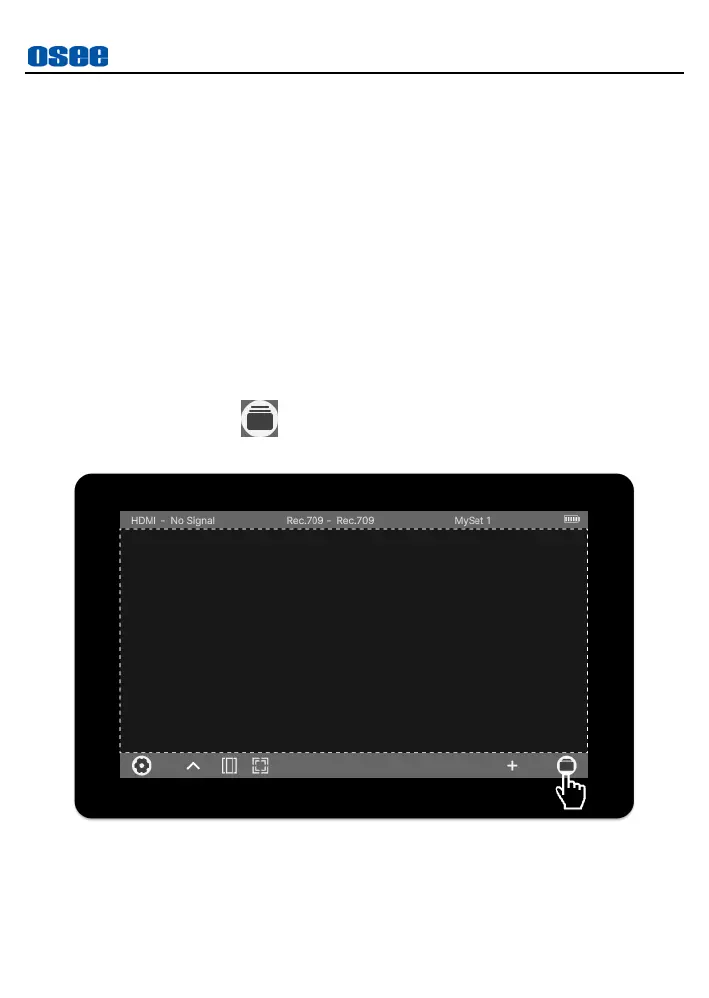
Tap MySet preview button at the right most of the operation bar
at the bottom of the screen, as shown in Figure 6.2-1:
Figure 6.2-1 MySet Preview Button
It will display
8
MySet thumbnails at the center of the screen, as
shown in Figure 6.2-2. The MySet will be numbered in sequence, the



 To Next Page