Monitor Settings
40
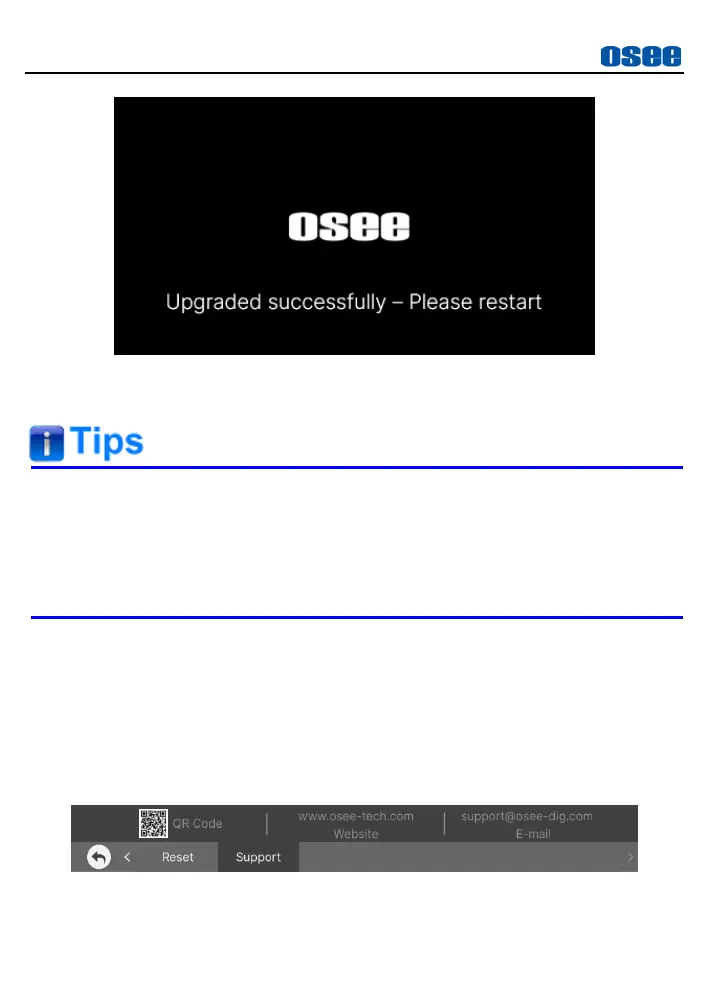
Figure 5.2-28 UPDATE
At last, please restart the device manually.
It lasts about 30s for restarting operation, please don’t do any
operations during restarting the device.
No power cut off during firmware upgrading and resetting, or the
monitor will be dead.
5.2.13 Support
The Support menu provides following supports to our customers: osee’s
website’s QR Code, website address and e-mail, as shown in Figure
5.2-29.
For any questions, please contact us by above contact ways.
Figure 5.2-29 Support Menu



 To Next Page