Features
18
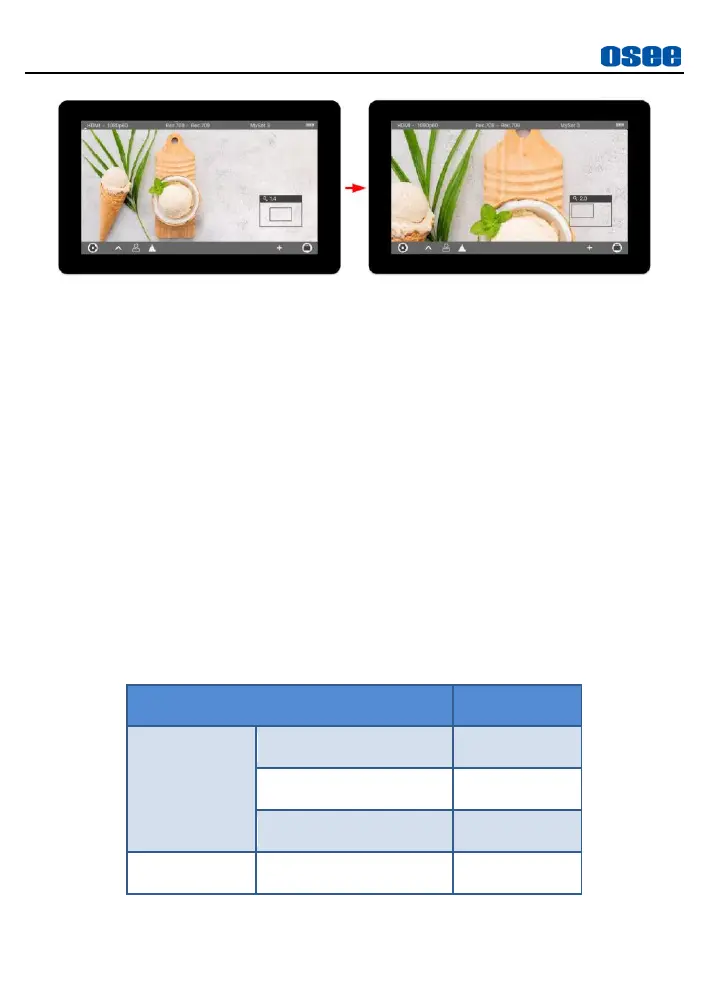
Figure 4.4-4 Zoom 4X Editing Mode
Move around
Drag the small rectangle in the zoom frame left, right, up or down to
pan the starting position of the image.
Original Image
Pinch in on screen until the zoom ratio is 1X, it will recover and
display the original image, thus to exit zoom mode and close the
zoom frame.
4.5 Supported Signal Format
The supported signal format for this device is as shown in Table 4.5-1:
Table 4.5-1 Supported Signal Format



 To Next Page