MySets and Tools
71
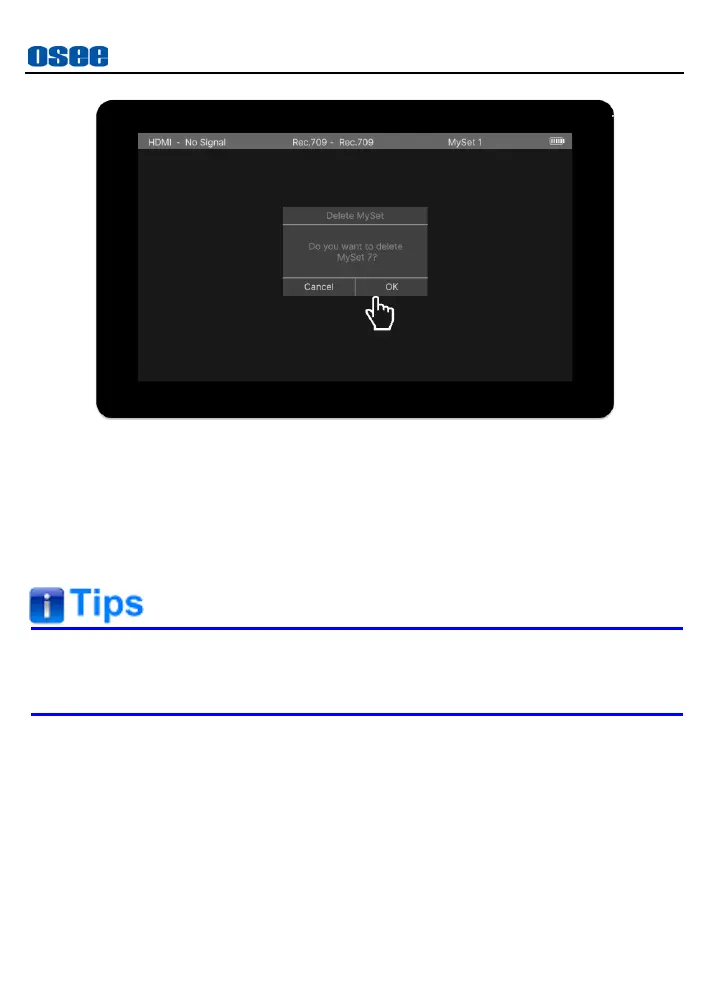
Figure 6.2-5 Prompt for Delete a MySet
6.2.3 Add a Tool
In a MySet, add some tools to assist in composition, for example, add a
marker, waveform, histogram or audio meter, etc.
Each MySet supports up to 8 MySet tools.
You can add more than one of the same tool in a MySet.
In active MySet, tap the screen, it will display the operation bar at the
bottom of the screen. The current available tools are displayed in this bar,
now you can call it tool bar, click the add button at the right of this bar to
add tools, as shown in Figure 6.2-6.



 To Next Page