EasyManua.ls Logo

OSEE Lilmon 5 - Color Settings and Profiles

OSEE Lilmon 5
99 pages
Print Icon
To Next Page IconTo Next Page
To Previous Page IconTo Previous Page
Loading...
Monitor Settings
30
Item
Default
Domain Range
Description
Options
AUTO
AUTO/
Rec 601(SD)/
Rec 709(HD)/
Rec 2020(UHD)
Define the color
matrix standard the
incoming signal is
using, if unsure, just
select Auto
5.2.9 Color
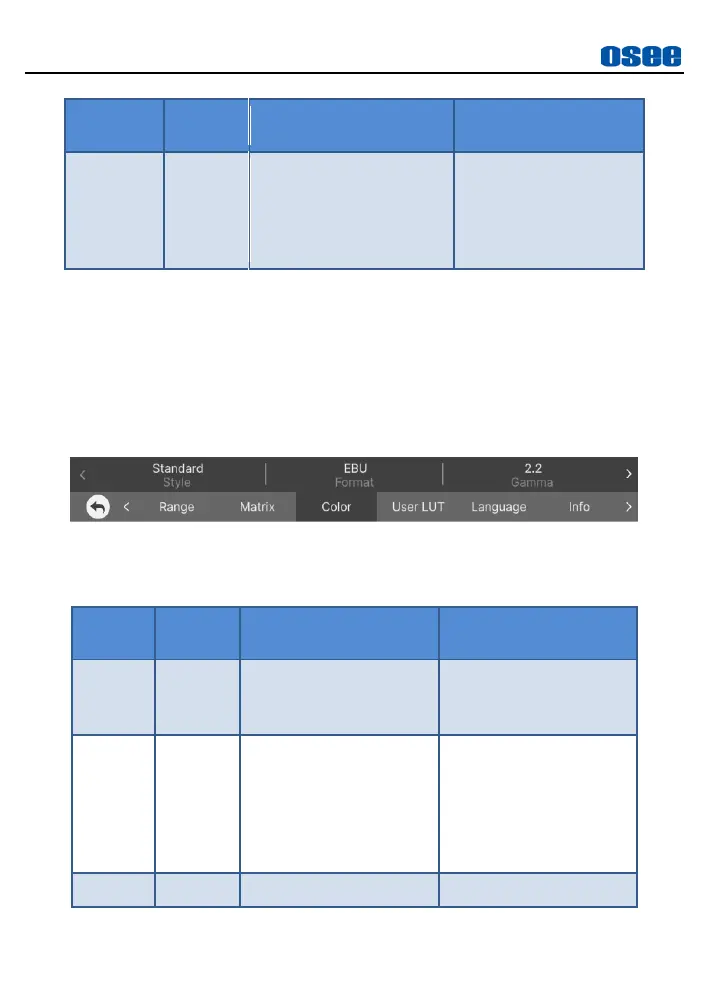
Set the items of Color according to the video format you are shooting with,
so the monitor can display, interpret and analyse it correctly, as shown in
Figure 5.2-13:
Figure 5.2-13 Color Menu
Table 5.2-9 Description of Color Items
Items
Default
Domain Range
Description
Style
Standard
Standard/LOG
Select color style
between standard and
LOG
Format
EBU
Standard: EBU/DCI
LOG: ARRI/BMD/
Canon/FUJI/
Nikon/Panasonic/
RED/SONY
Select a camera profile
format, refer to Table
5.2-10 for the
relationship among
color profile, gamma
and gamut
Gamma
--
Refer to Table 5.2-10
Set Gamma

Related product manuals