Monitor Settings
33
The preset color profiles are constantly under development.
Please confirm your LOG settings before shooting videos, then
activate
LOOK
tool in a MySet to monitor your image.
5.2.10 User LUT
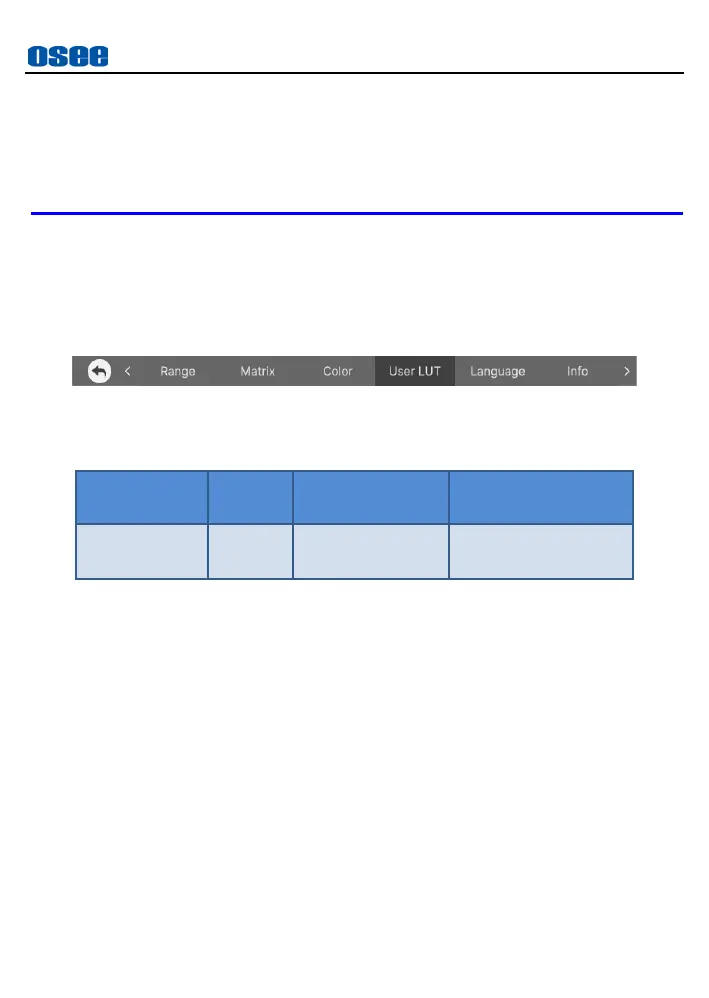
The User LUT menu item is used to load User LUT, as shown in Figure
5.2-15:
Figure 5.2-15 User LUT Menu
Table 5.2-11 Description of User LUT
The monitor could be loaded with versatile LUTs for different creative
look styles. Add these custom LUT files from SD card through
User
LUT
item in monitor settings, then select and apply USER LUT
through Look tool in a MySet.
First, write the designated LUT file into the monitor.
Operation: To upload a LUT file from SD card, tap
USER LUT
item in
monitor settings bar, it will pop up a User LUT file list, as shown in
Figure 5.2-16, you can only see LUT ID without profile name in the
list when you have not uploaded any LUT files.



 To Next Page