MySets and Tools
81
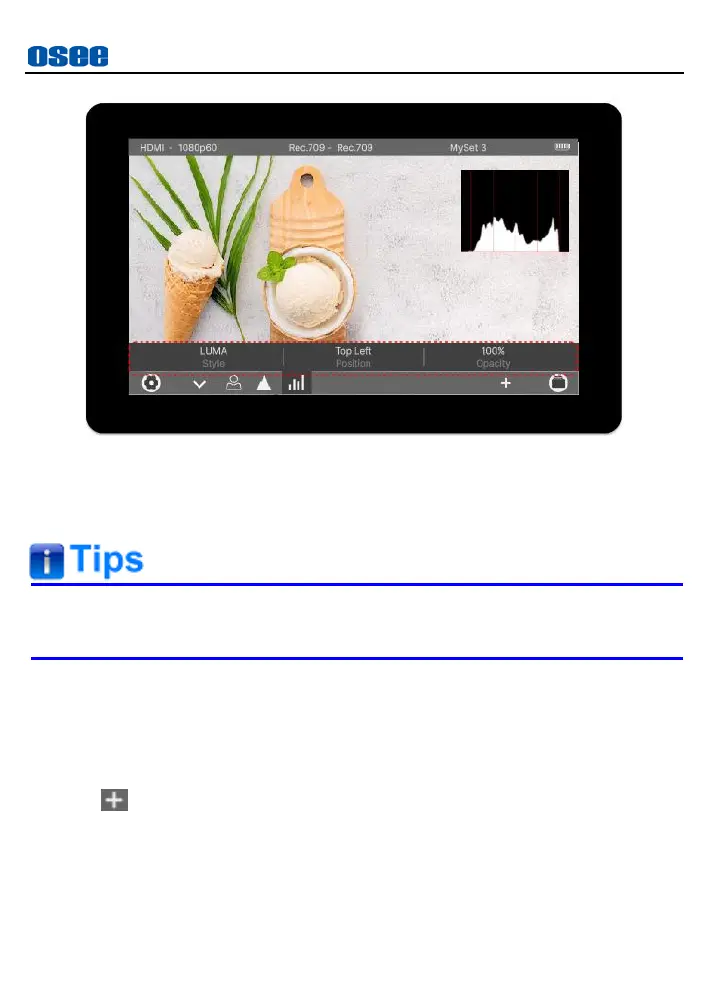
Figure 6.2-19 Tool Settings Bar-HISTOGRAM
Close Tool Settings
Tap the downward arrow to close the tool settings bar.
The parameters of the tool could not be modified until selecting the
tool’s settings.
6.2.7 Delete a Tool
In a MySet, delete tool by the following two methods:
Method 1: Delete a tool in the tool list
Tap add button to display the tool list above the operation bar, it will
show the tool icon with a delete corner mark in the tool bar, as shown in
Figure 6.2-20:



 To Next Page