Monitor Settings
37
customized 3D LUT profiles (*.cube) produced by these software
could be loaded to SD card by a control computer.
If detecting no SD card during the operation, it will prompt ”
No
Media
”; if any other wrong happened, it will pop up the relevant
prompt, please check it according to the prompt.
5.2.11 Info
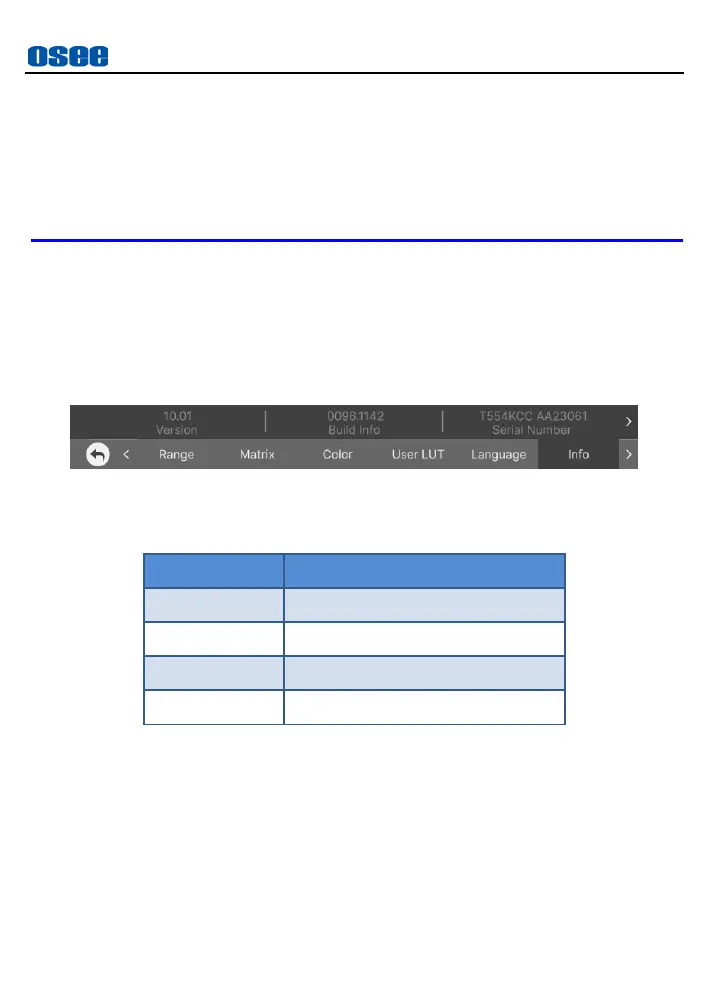
The info menu provides monitor info, tap Info button to check the device
version, build info, serial number and model items, as shown in Figure
5.2-23:
Figure 5.2-23 Info
Table 5.2-12 Description of Info



 To Next Page