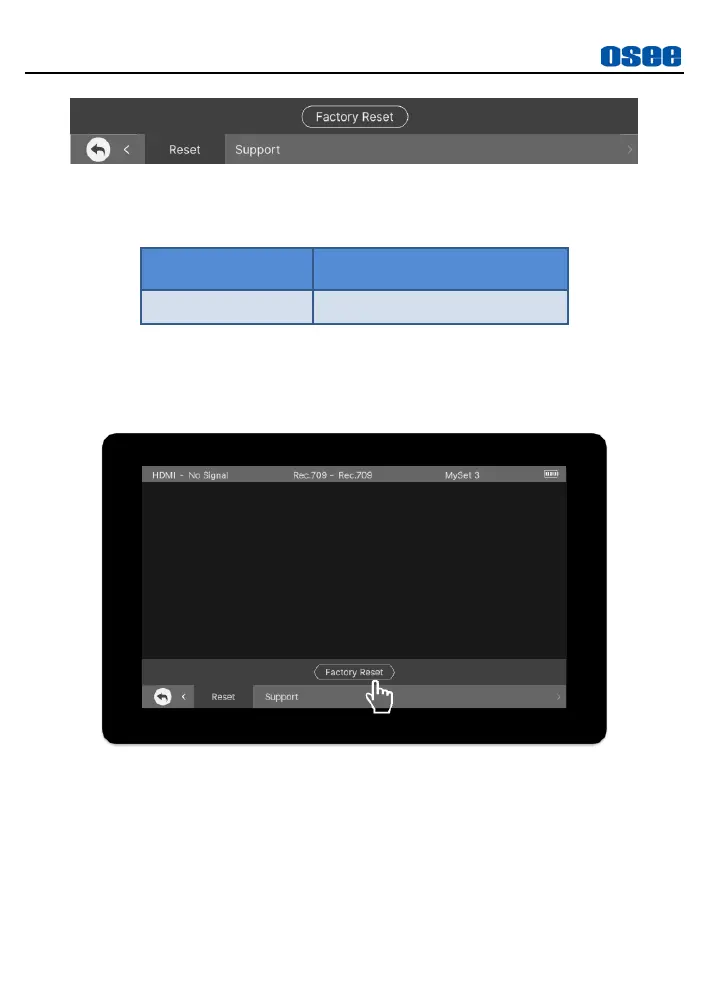
1. FACTORY RESET
Tap
Reset
Factory Reset
to initialize the settings to default values,
as shown in Figure 5.2-25:
Figure 5.2-25 Factory Reset
It will pop up a prompt, as shown in Figure 5.2-26, tap
Confirm
button to confirm the reset operation. Please pay some patience
during the reset operation, it lasts about 30s. The device will be in
black screen mode for a short time after confirming reset operation,
and then it will display the Boot Screen for successful reset operation,
as shown in Figure 5.2-27.



 To Next Page