MySets and Tools
76
6.2.5 Turn ON/OFF a Tool
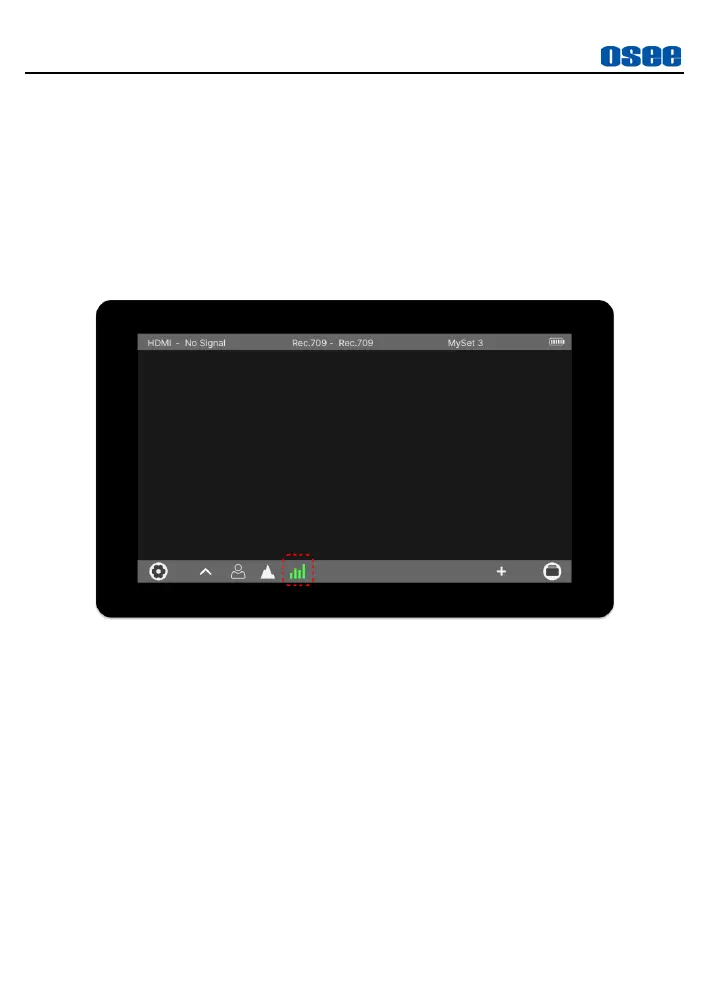
In tool bar, follow the instructions below to turn on or off a tool swiftly:
Turn on a Tool
After adding a tool, tap the tool button to turn it on in tool bar, the icon
will turn from gray to highlight green.
Figure 6.2-13 Turn on a Tool
Turn off a Tool
After turning on a tool, tap it again to turn the tool off in tool bar, the
icon will turn from highlight to gray.



 To Next Page