The
INPUT
menu of Lilmon 5 can’t be modified since it only has one
input type.
5.2.2 Backlight
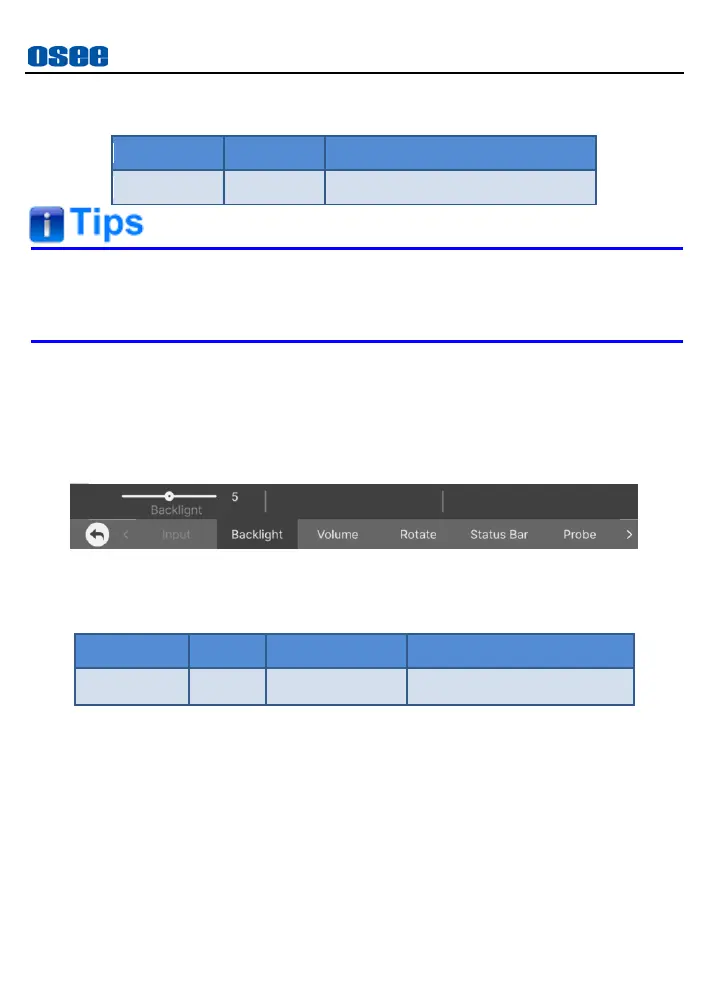
The Backlight menu item is used to adjust the backlight of the screen.
The menu item is as shown in Figure 5.2-1:
Figure 5.2-1 Backlight Menu
Table 5.2-2 Description of Backlight
Adjust Backlight
In order to adjust the backlight, you can tap the
Backlight
item in
monitor settings bar, besides, you can swipe up or down in the left
area of the screen to increase or decrease the backlight.
As shown in Figure 5.2-2, swipe up to increase backlight, and swipe
down to decrease it, the range is 0~10.



 To Next Page