MySets and Tools
77
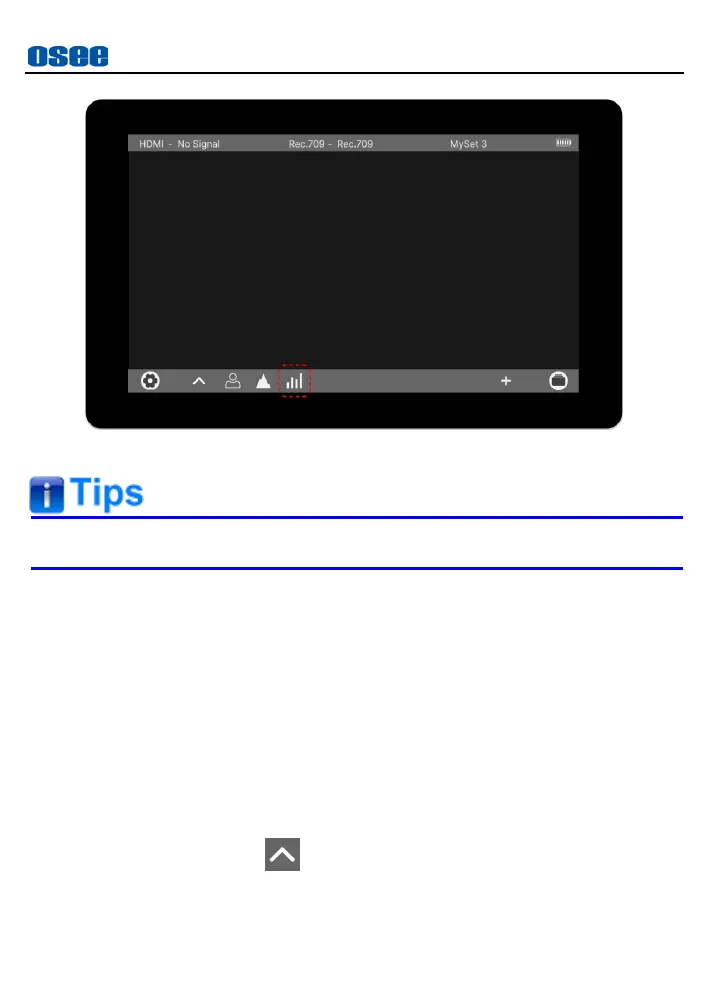
Figure 6.2-14 Turn off a Tool
The tool could only be turned on or off in the tool bar.
6.2.6 Tool Settings
Add tools for a MySet through tool list, then, set a tool’s attributes by the
tool settings bar.
Tap the upward arrow in tool bar to display the tool settings bar above the
tool bar, as shown in Figure 6.2-15. Tap each tool icon in the tool bar to
display each tool settings menu, and set tool’s attributes.
Refer to “6.1 Tools Settings” for the details of each tool.
Load tool settings bar
Tap the upward arrow in tool bar, it will load the tool settings bar
above the tool bar, as shown in Figure 6.2-15:



 To Next Page