Monitor Settings
27
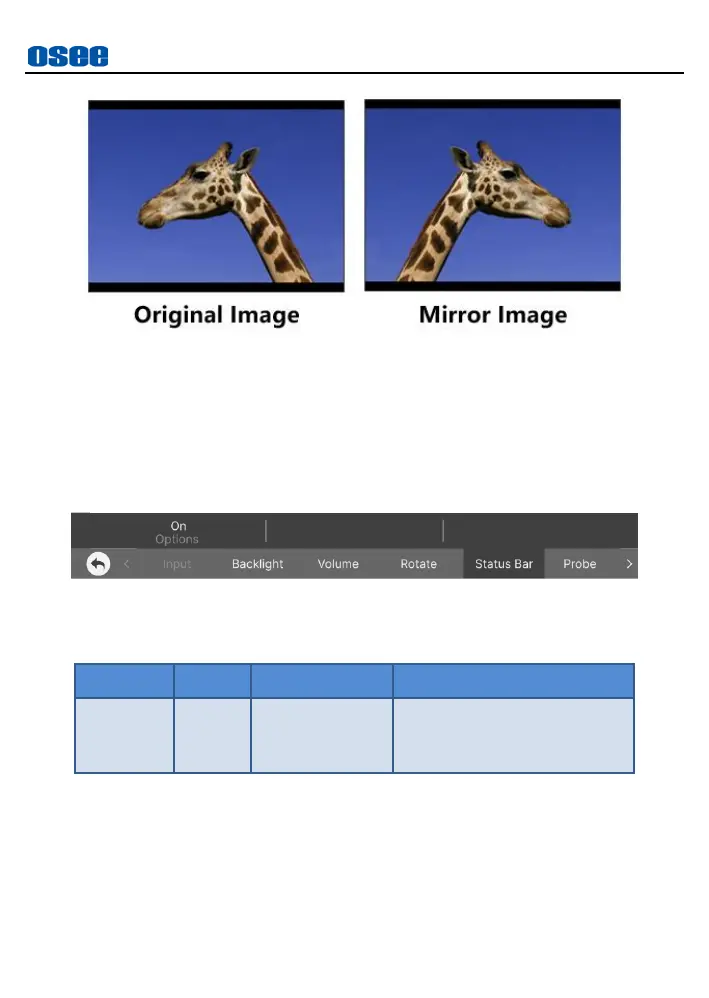
Figure 5.2-7 Horizontal Rotate
5.2.5 Status Bar
The Status Bar menu is used to set the display options of status bar, as
shown in Figure 5.2-8:
Figure 5.2-8 Status Bar Menu
Table 5.2-5 Description of Status Bar
Status Bar
Set
Status Bar
Item option
to be
On
, it will display the full status
bar at the top of the screen, including these information from left to
right: Input source format, gamma&gamut, current MySet name and
battery capacity indication.



 To Next Page