Display Rotate
Set
Screen Rotate
item to be
180, 0
or
Auto
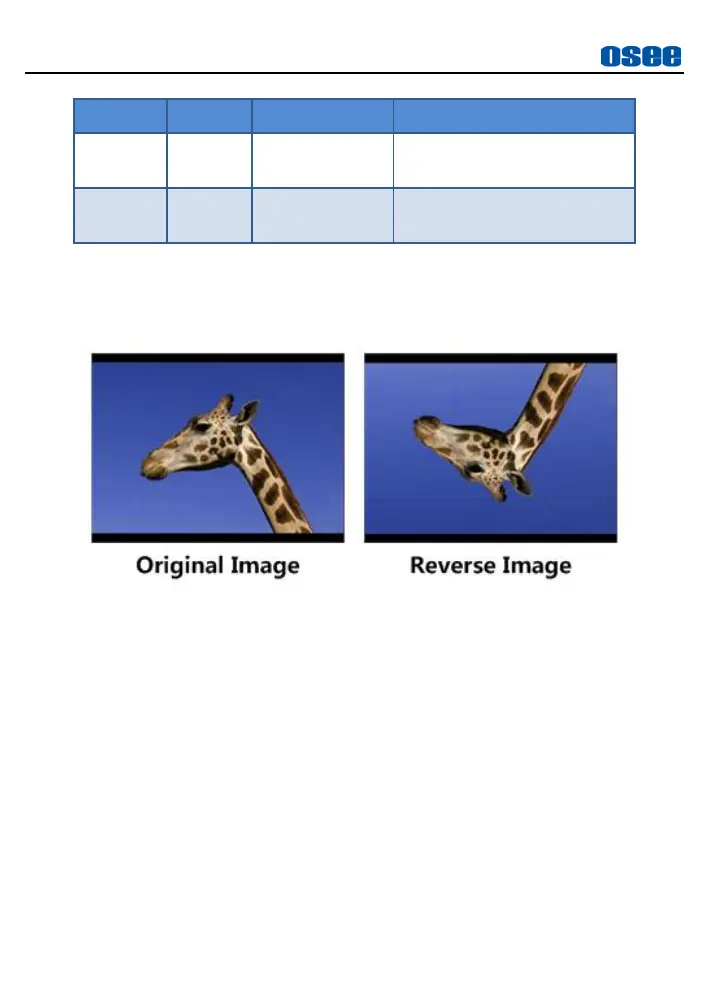
, the input image will
reverse vertically with the menus, as shown in Figure 5.2-6:
Figure 5.2-6 Vertical Rotate
Image Rotate
Set
Image Rotate
item to be
180
or
0
, only the input image will
reverse vertically.
Image mirror
Set
Image Mirror
item to be
On
or
Off
, only the input image will
reverse horizontally, as shown in Figure 5.2-7:



 To Next Page