Monitor Settings
25
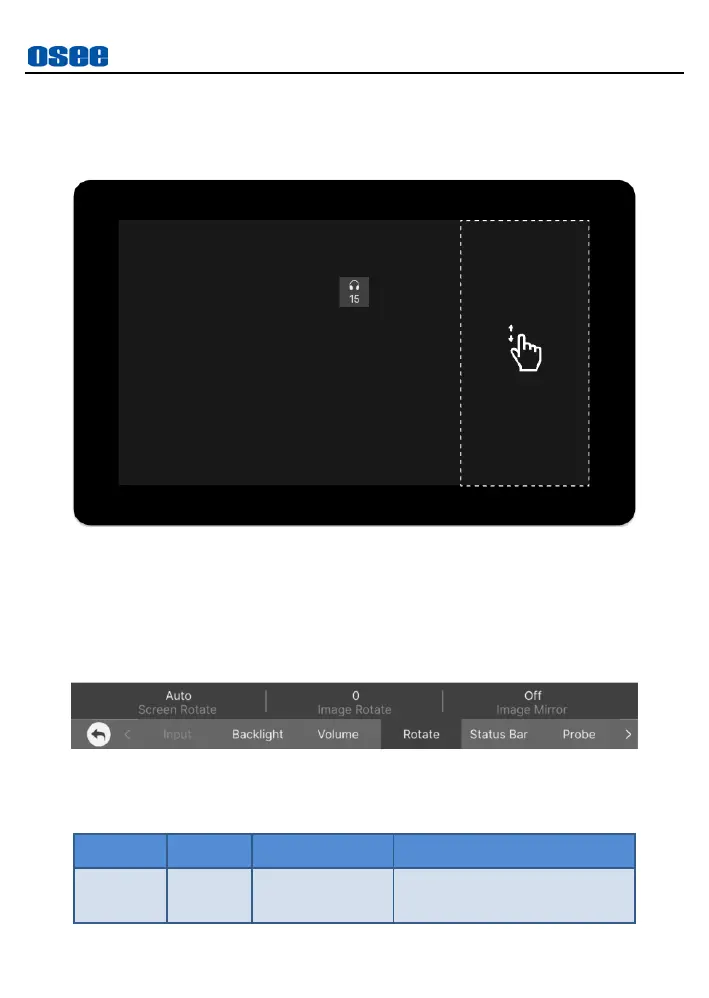
area of the screen to increase or decrease the volume.
As shown in Figure 5.2-4, swipe up to increase volume, and swipe
down to decrease it, the range is 0~31.
Figure 5.2-4 Volume Menu
5.2.4 Rotate
The Rotate menu is used for rotation and mirror, as shown in Figure 5.2-5:
Figure 5.2-5 Rotate Menu
Table 5.2-4 Description of Rotate Menu



 To Next Page