Monitor Settings
39
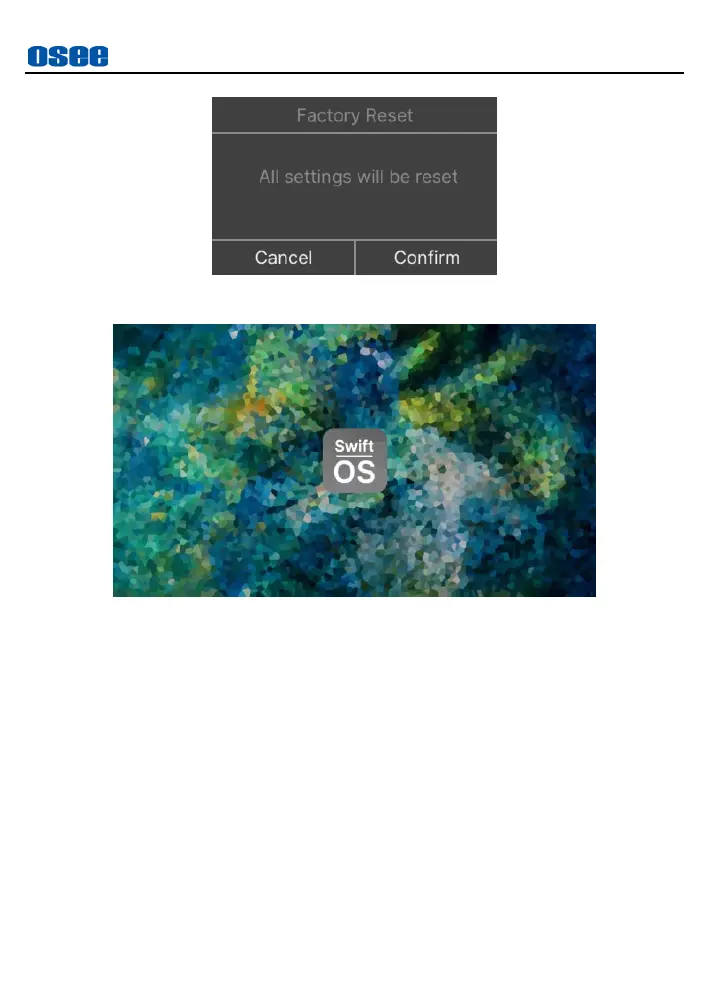
Figure 5.2-26 Prompt for Factory Reset
Figure 5.2-27 Boot Screen
2. FIRMWARE UPDATE
Insert an SD card with latest firmware file(s) in root directory, power
on the device and it will upgrade automatically, then after successfully
upgraded, it will prompt as shown in Figure 5.2-28:



 To Next Page