Monitor Settings
36
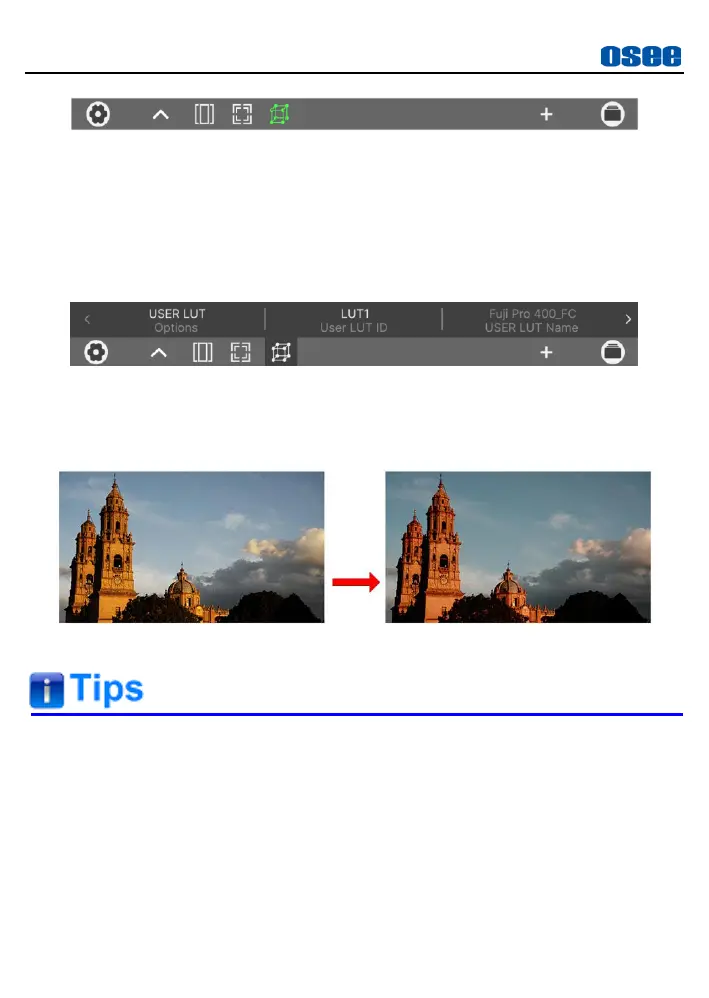
Figure 5.2-20 Enable Look Tool
Tap the upward arrow to load the tool settings bar above the tool bar
as shown in Figure 5.2-21. Tap the
Options
item to be
USER LUT
.
For example
:
Set
Options
item as
USER LUT
,
User LUT ID
item as
LUT1
, and it
will apply
LUT1
to current MySet display.
Figure 5.2-21 Tool Settings for Look
After activating a LUT file, it will be loaded to the image display
immediately, as shown in Figure 5.2-22:
Figure 5.2-22 Output Image Applied with a LUT File
There will a “File format not support!” prompt for unavailable LUT file
format when executing file writing operation.
Refer to “6.1.4 Look Tool” for the details about applying the 3D LUT
file.
Make sure your SD card is FAT32 format and under 16G, otherwise, it
might not be supported by this monitor.
Lilmon 5 supports color management software CalMAN currently, the



 To Next Page