MySets and Tools
80
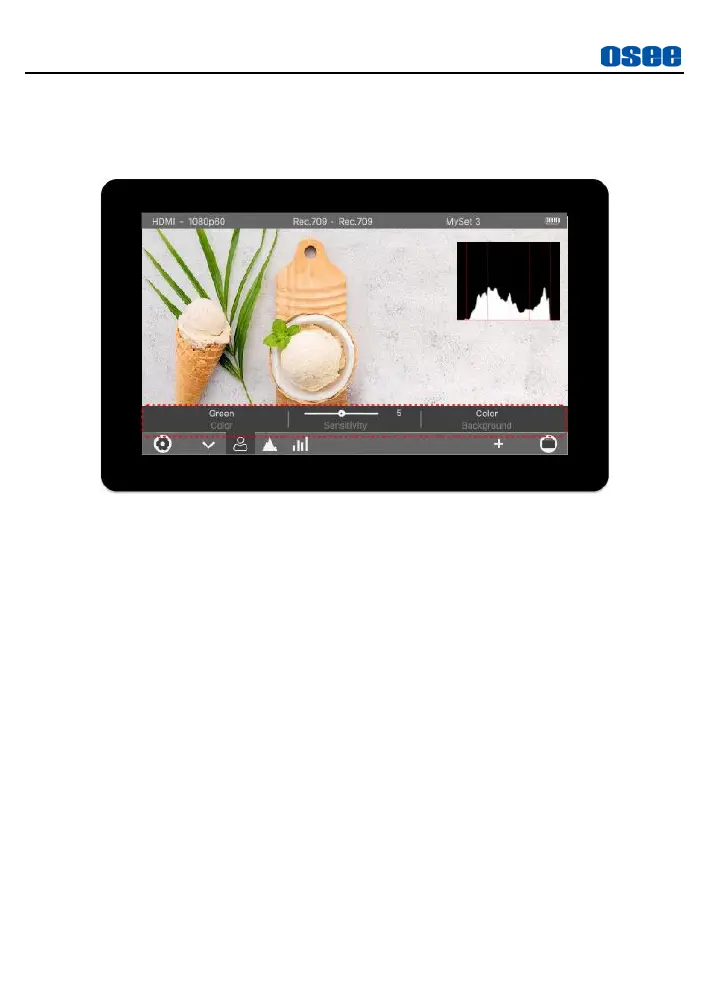
Then load the tool settings bar above the tool bar, the default
attributes are for the first tool in the tool bar, here is Focus Assist, as
shown in Figure 6.2-18:
Figure 6.2-18 Tool Settings Bar
Step 3 Switch Tool Settings for the Target Tool
Tap
HISTOGRAM
tool in the tool bar, and the tool settings will switch
to the contents for histogram, as shown in Figure 6.2-19.
It lists the characteristics of histogram in this menu, such as
Style
,
Position
, and
Opacity
. Tap on these items to complete the
parameter settings.



 To Next Page