MySets and Tools
70
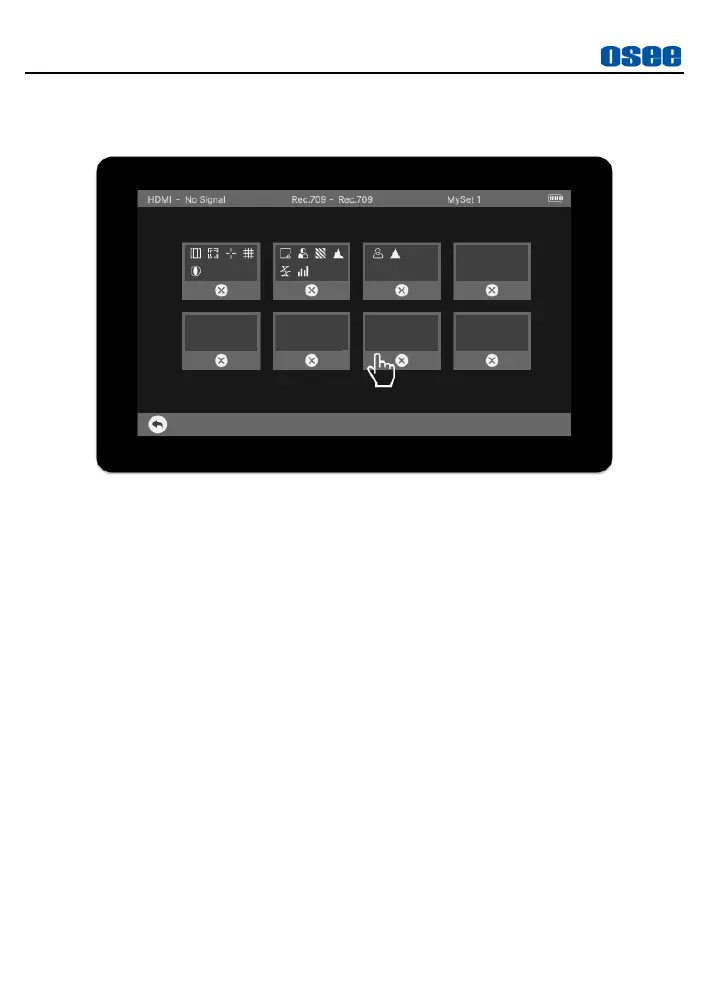
It will display the delete page, as shown in Figure 6.2-4. There will be
DELETE button at the bottom of each MySet thumbnail.
Figure 6.2-4 Delete a MySet
Tap one MySet thumbnail to delete it, and there will be a prompt for
deletion, as shown in Figure 6.2-5. Tap OK button to confirm. Wait until
the prompt disappear, then the tools in this MySet will be cleared
completely.



 To Next Page