Operator's Manual
Issue 14 / Mar 2016
MercuryiPS
©2016 Oxford Instruments NanoScience. All rights reserved.
Page 143
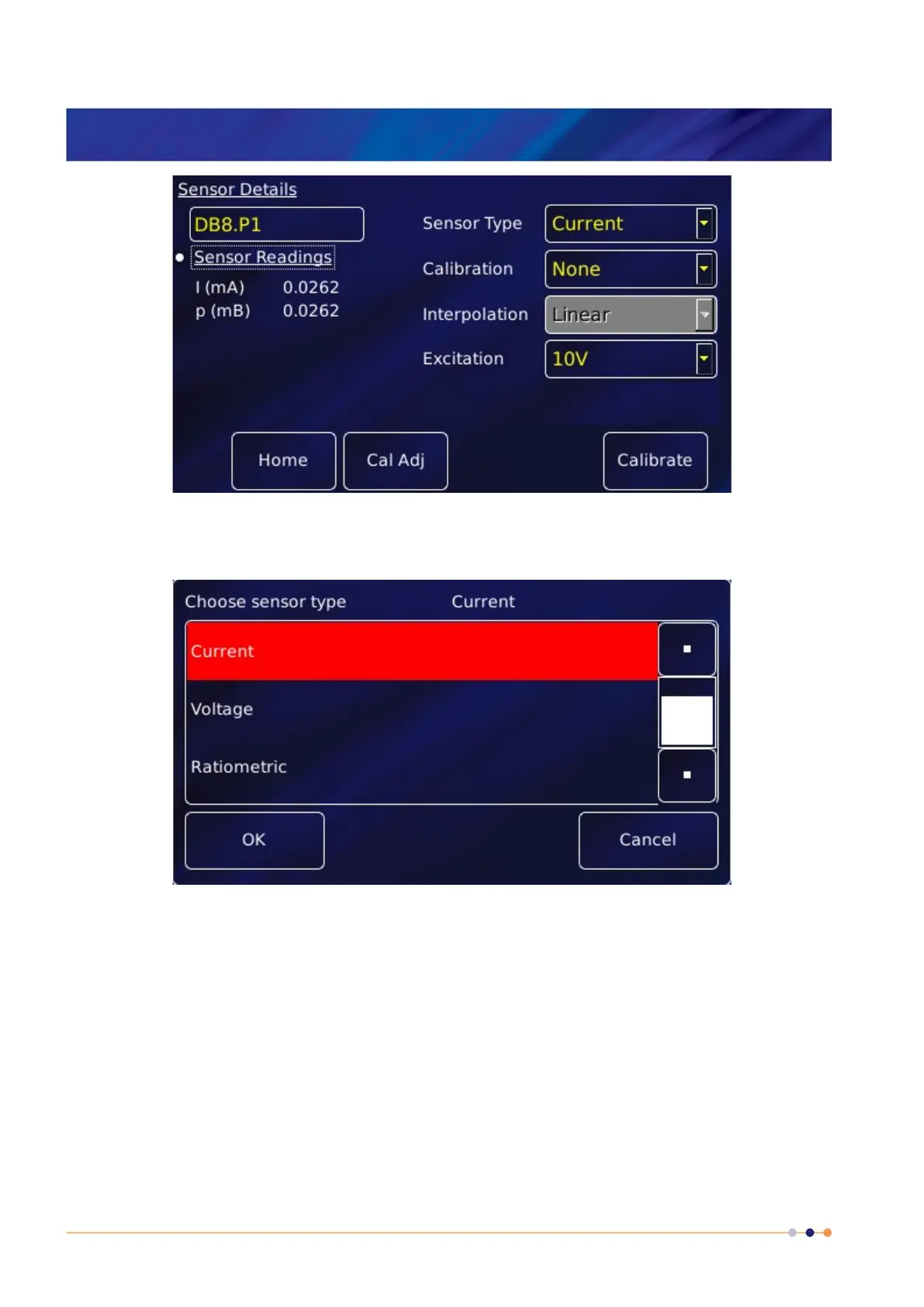
2 Tap the Sensor Type parameter box and select a sensor type from the drop-down menu, as
follows:
The values listed under Sensor Readings on the Sensor Details page depends on the type of
pressure sensor used.
3 Tap the Calibration parameter box and select a calibration file (or None) from the drop-
down menu. The list of files available depends on which sensor type is selected. An
example page is:


 To Next Page
 Loading...