Operator's Manual
Issue 14 / Mar 2016
MercuryiPS
©2016 Oxford Instruments NanoScience. All rights reserved.
Page 144
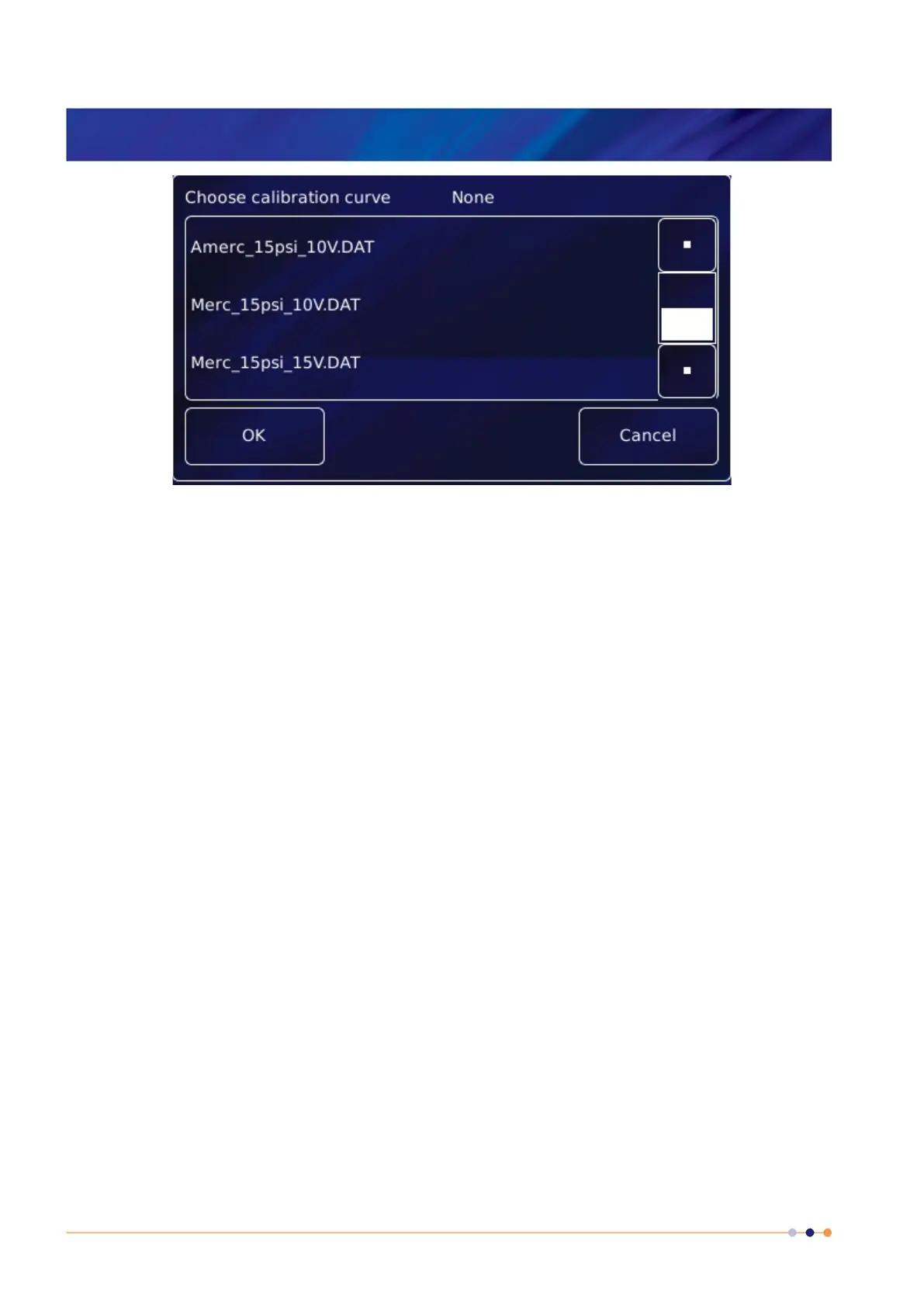
4 Tap the Excitation parameter box and select None, 10V or 15V depending on the type of
sesor (and advice give in section 13.2.3).
5 If desired, tap the parameter box containing the name of the sensor and enter a new name.
(e.g. Change DB8.P1 to Pressure).
6 Cal Adj
Tap once to access the Generic Sensor Adjustment page (see section 6.4.2). This allows
the user to adjust the scale and offset of a generic calibration curve to suit a particular
sensor.
7 Calibrate
Tap once to calibrate this measurement circuit. This routine takes approximately one
minute. An error message is generated if the calibration fails for any reason. It is
recommended that the user calibrates at least once a year with the iPS warmed up to
normal operating temperature (i.e. at least 20 minutes after power-on). It is also advisable to
calibrate before any critical measurements are made.
8 Tap Home. The Home page is displayed. If the sensor has been configured correctly (and is
connected), the selected page will display a sensor reading.


 To Next Page