· LFO - CV GATE
There are 2 LFOs per Sequencer and both can modulate one internal and one MIDI parameter. A
quick tap will open the menu, a long press will open it momentarily until button release. Tap again to
enter in the second LFO menu. All the details about the LFO can be found in the LFOs section.
Access to the CV GATE routing layout by pressing Shift + LFO button. This layout is explained in the
CV Gate section.
· STEP-CHORD - CONDENSE
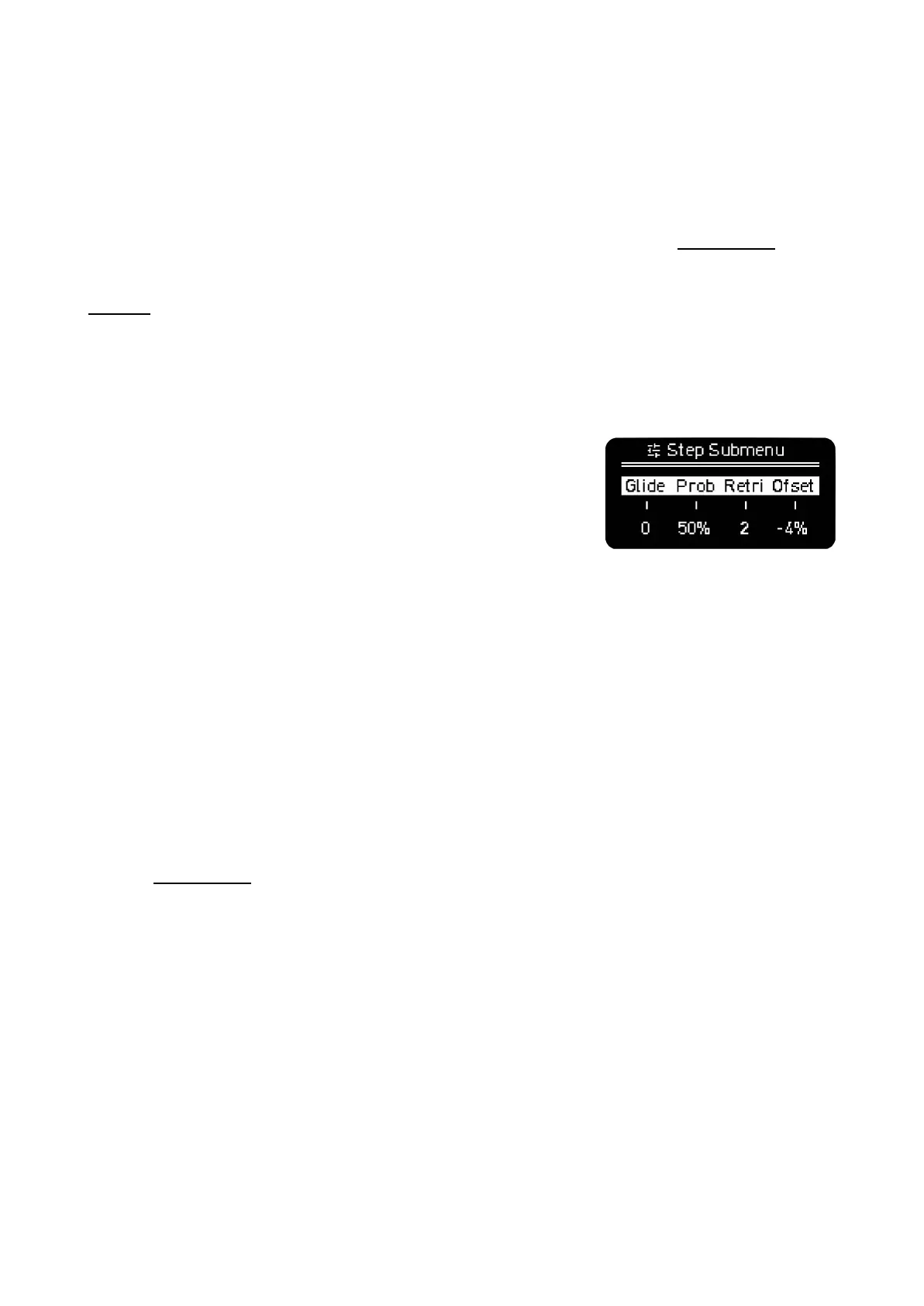
The Step-Chord button allows you to enter additional parameters
of the sequence steps.
The available options depend on the Sequencer Mode so they are
explained in the respective MODEs section.
In general a brief press toggles it on or off. When it is toggled on
and you press any step, the screen will show these additional parameters.
In chord mode, a first tap will enable the step chord menu. When enabled, pressing a step will show
the chord settings for that step: chord type, voicing and spread
Shift + Step-Chord: CONDENSE, collapses the current sequence into a lower resolution. 1/4 notes
become 1/2 notes. It is a destructive function that can be undone.
· MOD - FOLLOW
MOD (modulation) toggles the MOD layout. This feature is deep enough to be placed in its own
section: MOD LANES. A quick tap will open the layout, a long press will open it momentarily until
button release.
Shift + MOD to toggle the Follow function. Press it to automatically change the displayed page on
the grid and to keep track of the steps pages with the play head. Turn it off to keep the selected page
static so you can make changes in specific pages even with the Sequencer running.
–––––––––––––––––––––
If Follow is active and you have at least one step pressed, the page will remain static.
Your Follow setting is remembered after a power cycle.
–––––––––––––––––––––



 To Next Page