MOD LANES
Press the MOD button to enter the modulation layout. There are 4 independent modulation lanes per
sequencer (8 in Multitrack Mode).
The modulation lanes can be used for different purposes:
- To automate or manually control MIDI parameters: CCs, Aftertouch,
Pitch BendProgram changes
- To automate or manually modulate internal parameters described
in the Internal destinations table.
- Routed to any CV output as well (see CV Gate configuration).
If the MOD lanes have any MIDI parameter assigned, the respective encoder will send values over
MIDI, so you can control with the 4 encoders at the same time any external parameters of any DAW,
hardware synthesizer or sampler, modular synth or mobile apps.
If there's any automation curve, this means, there are different values per step in the modulation lane,
the encoders will act as an offset of the step values. Turning an encoder will increase/decrease all
modulation values for the selected modulation lane. The display shows a minimum and maximum
value as you turn the encoder.
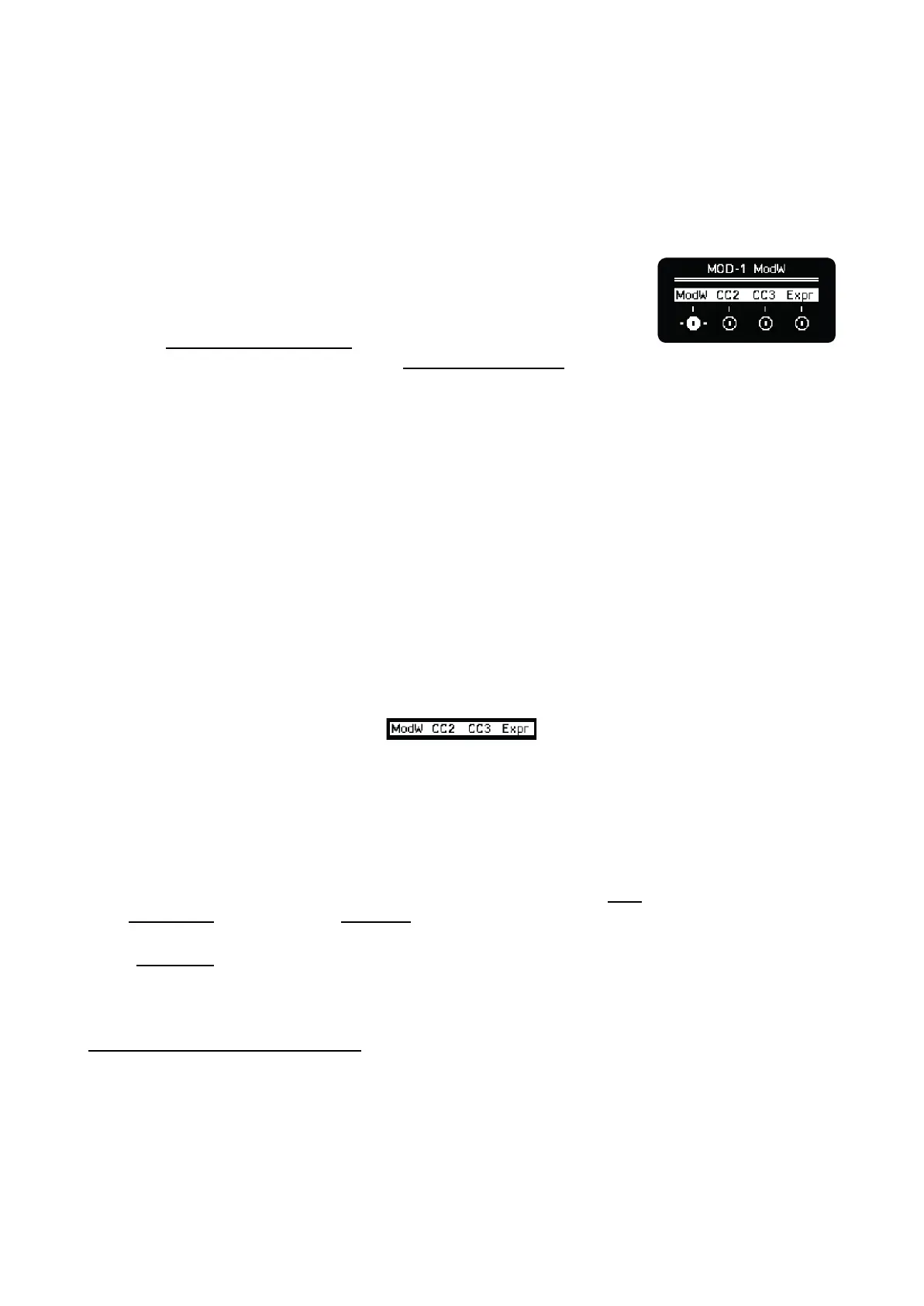
Each encoder modifies Mod 1 to 4 respectively.
The MOD lanes main screen labels indicate the active modulation destination. They will show the
enabled destination in this order of preference: MIDI/CC , Internal destination 1, Internal destination 2
or all OFF.
LANE SELECTION
The selected mode lane is indicated in the screen. When you turn or press any encoder, the
respective MOD lane is selected. The grid will display its values accordingly.
The last selected/touched modulation will be the one assigned to the Mod control (encoder 4) in the
main Sequencer view and also in Keyboard layout. In Multitrack mode the last selected track prevails
and its modulation lane will be the one assigned to this 4th knob.
In the step menu, as well as the velocity, octave, and gate, the value of this selected modulation lane
can be edited.
MULTITRACK LANE SELECTION
In Multitrack mode there are 8 modulation lanes, one per track. How can you select all of them with
the encoders?
If the selected track is one of the first four (1 - 4), the MOD menu will show the modulation lanes of
tracks 1 to 4. And if the selected track is one of the last four (5 - 8), it will show the information of
these last four. Press the MOD button and any grid row to quickly change the selected lane.



 To Next Page