KEYBOARD
It shows the keyboard layout on the grid. Each Sequencer mode has its own dedicated Keyboard
layout.
There are two keyboard layouts, the classic one specifically designed for the OXI One and the
Isomorphic layout. It is possible to select which of them is displayed in the Configuration menu.
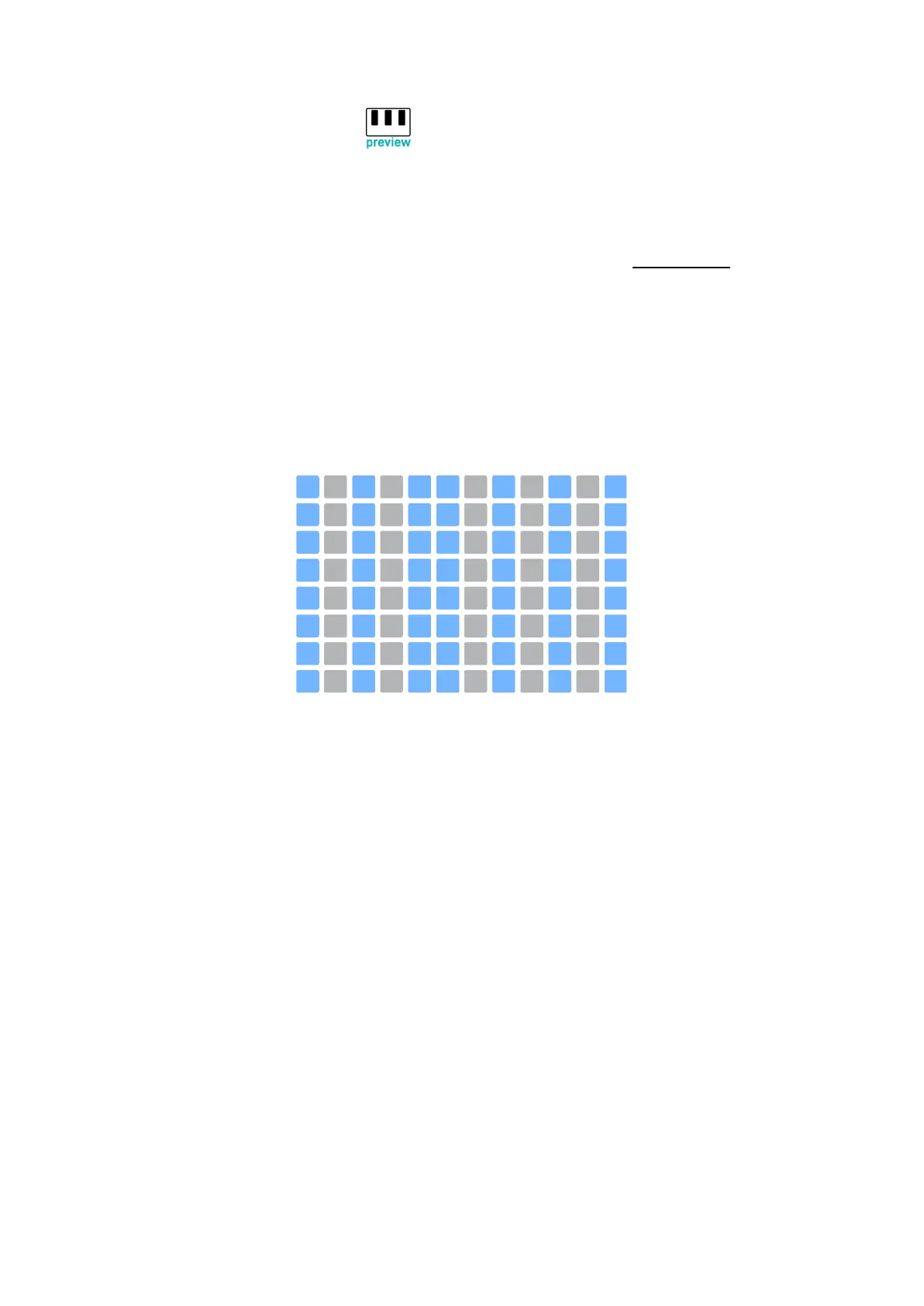
CLASSIC LAYOUT
In the classic layout, different columns of pads will be highlighted on the grid depending on the scale
selected, to act as a visual guide of the notes that belong to the scale. Each column represents a
semitone, moving vertically each row jumps an octave up and down.
When other than a Chromatic scale is selected, the notes that don’t belong to the scale are lit in soft
red.
Classic layout in any Chromatic Scale.
In classic layout the notes of the base octave are Highlighted (except in chromatic scale). new
ISOMORPHIC LAYOUT
The isomorphic layout has been added in the 3.0 update. The main difference with the classic
layout is that there is a fixed interval between one pad and the one just above it. This interval can be a
perfect 4th or a perfect 5th. This rule makes sure that the notes are arranged in a completely different
way.
One of the main advantages of the isomorphic layout is that the interval relationship between two
pads is always the same, making it easier to play a specific chord among the keyboard.



 To Next Page