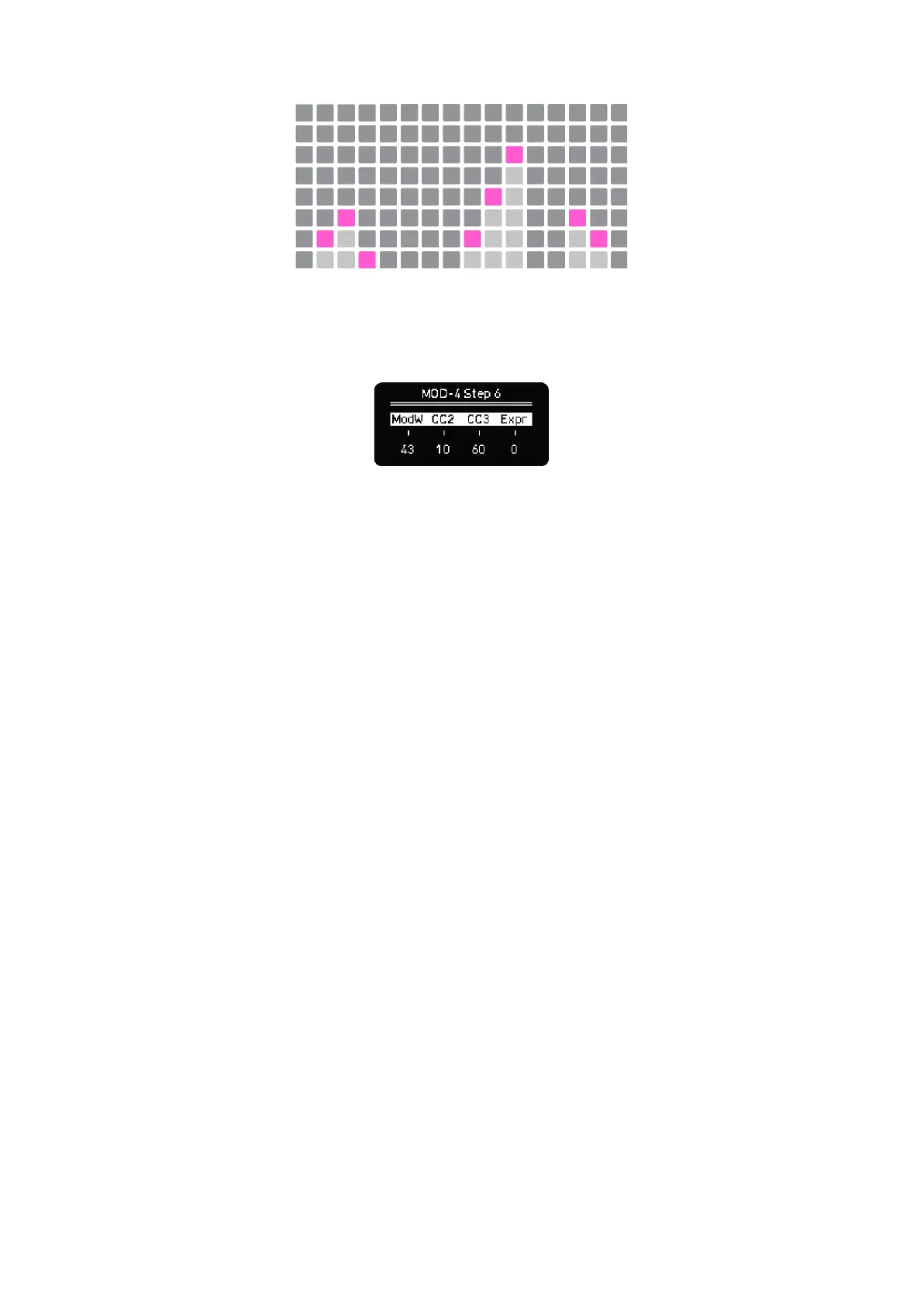
If you press any step, the modulation value will be automatically set. For finer adjustments you can
hold any pad of the grid and use the encoders. When doing so, the screen will show the 4 modulation
values of that step, you can modify any of them with the encoders. Click the encoder button to reset
the modulation value to 0.
Step 6 modulation values
To reset the modulation value of any step back to zero you can also tap the bottom pad twice. First
tap sets the lowest value and second tap sets it to zero
–––––––––––––––––––––
Remember, to change the shown modulation lane, simply turn or press a different encoder or hold
MOD and press any pad of the grid, from bottom to top every row represents a modulation lane.
–––––––––––––––––––––



 To Next Page