15th column selects the voicing of the played chord.
16th selects the spread of notes in the chord. Remember the chord can have up to 8 notes.
Top right pad toggles between the chords modifiers of this section to trigger chords when pressed
or not.
Chord Bank toggles between chords Bank A and Bank B.
Auto Voicing enables or disables intelligent voice stack (least chord voices movement).
–––––––––––––––––––––
You can arpeggiate the played chords turning on the keyboard arpeggiator from the ARP screen.
–––––––––––––––––––––
USER CHORD SLOTS new
Once you have found one chord you like, you can store it on the top row. The root note, type,
inversion and spread value will be stored in one of the 12 available slots.
To store one chord into one slot, hold the chord pad (not the modifiers) and then hold the chord slot
for 2 seconds. To clear one slot, do the same but hold longer for 4 seconds.
User chord slots work like any other chord and can be arpeggiated and recorded.
PICK AND PLACE CHORDS
After playing any chord on the keyboard, getting back to the sequencer view, the next chord you enter
in the grid will be exactly the same as the one you last played. This function is called Pick and Place.
GLOBAL CHORD MENU
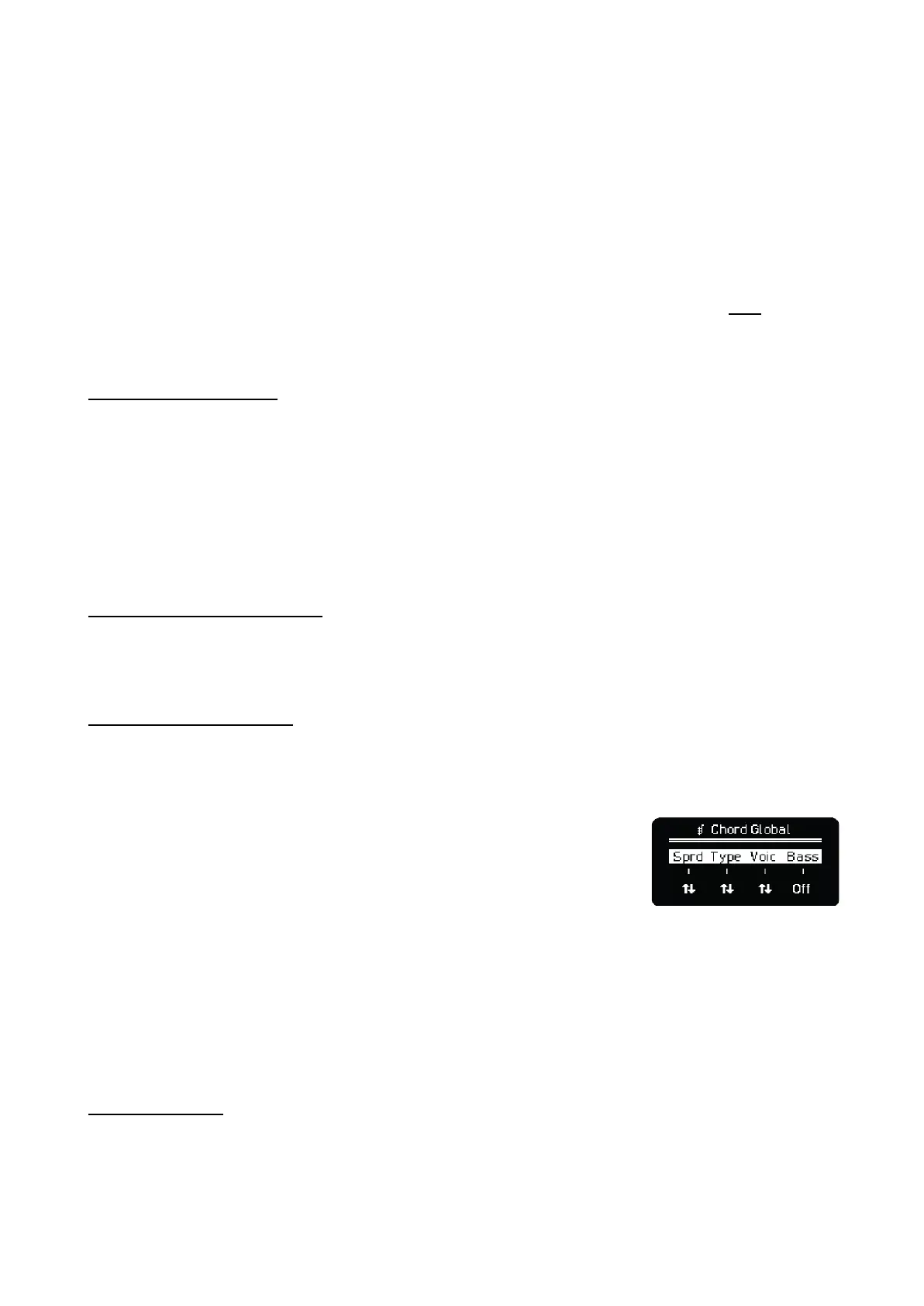
Hold Step-Chord button while in Keyboard to access Global Chord menu, the parameters are the
following:
Spread affects the sequence globally, it increases the voices of all the
chords (limit of 8 notes) depending on their position per step.
Type affects the sequence globally, it changes the type of all the chords,
offsetting them depending on their position per step.
Voicing affects the sequence globally, it changes the voicing of all the chords, offsetting them
depending on their position per step.
Bass affects the sequence and the keyboard globally, it adds a lower octave note of the root of all
chords. The bass note has preference over spread on the 8 note limit.
CHORD BANKS
As explained, there are two banks of chords available, bank A and B.



 To Next Page