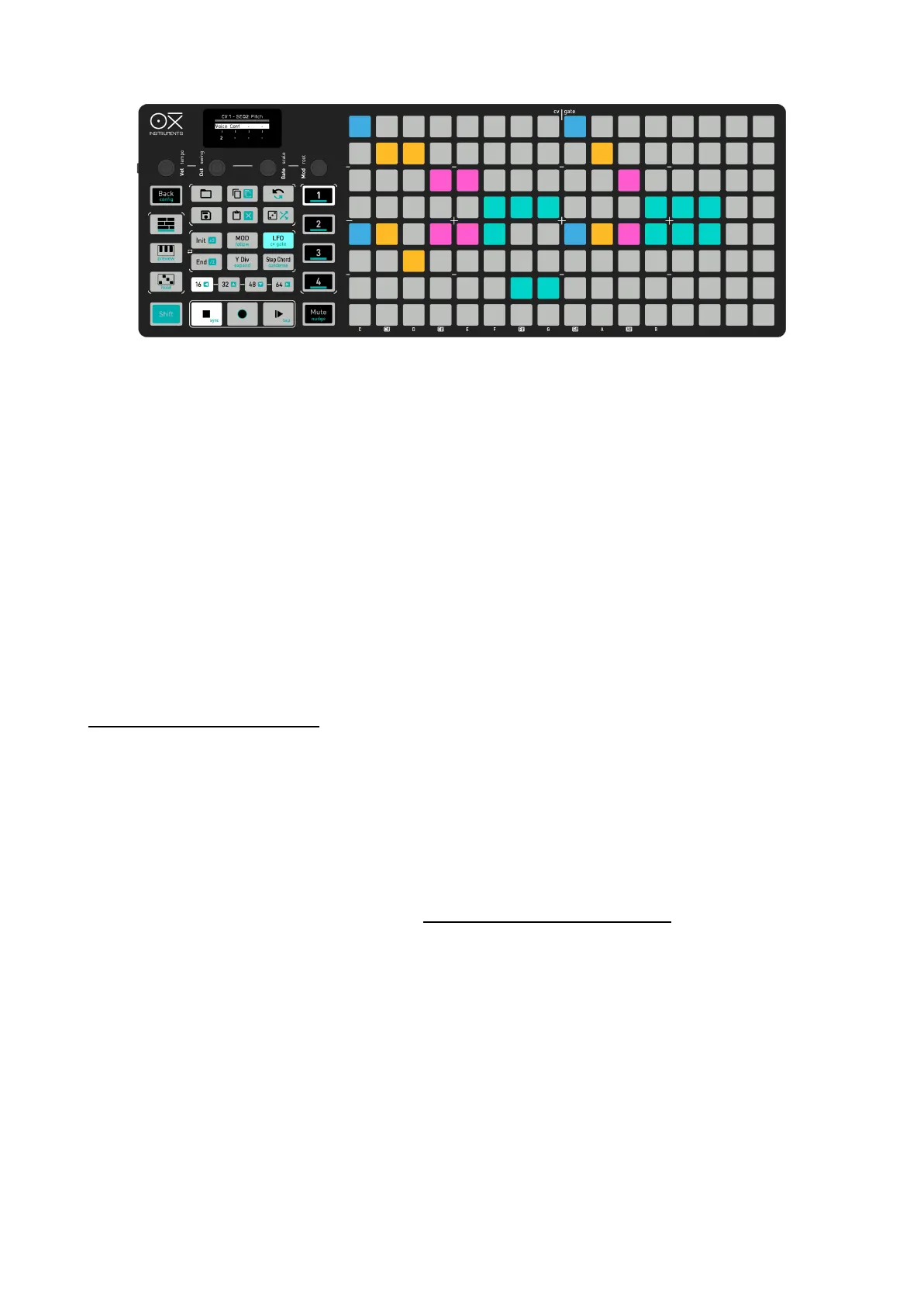
Configuration example
CV Settings
- CV 1 set to P itch and assigned to SEQ 1
- CV 2 set to P itch and assigned to SEQ 2
- CV 3 set to Vel and assigned to SEQ 2
- CV 4 and CV 5 set to pitch Voice 1 and Voice 2 assigned to SEQ 3
- CV 6 set to P itch and assigned to SEQ 4
- CV 7 and CV 8 set to TrigEnv and assigned to Track 1 and Track 2 respectively of SEQ 4
GATE Settings:
- Gate 1 assigned to SEQ 1
- Gate 2 assigned to SEQ 2
- Gate 3 assigned to SEQ 3
- Gate 4 to 6 assigned to Track 1 to Track 3 of SEQ 4
VOICE PITCH ALLOCATION
You choose the amount of voices and which CVs you want to route them through. Sequencing
chords and polyphonic melodies on your modular synth is very straightforward and as flexible as it can
get because you can select the number of voices you want to output. In case of having fewer
CVs than the total available voices for Polyphonic and Chord modes, the voices will be sorted by the
last played.
When working polyphonically (Poly and Chord modes), how the available CVs and Gates (voices) are
assigned to the played notes depends on the CV & Gate voice allocation setting.
- LRU: The least recently used CV or Gate will be assigned for the new note event. The voices
won’t play in unison since each CV or Gate has assigned a different note.
- UNISON: All available CV and GATES voices configured for the sequencer play in unison for
single notes. Further notes are divided among the voices to maximize the use of the assigned
CVs and Gates. If there are more notes than the available CVs or Gates, the voices will still be
sorted by the last played.
–––––––––––––––––––––



 To Next Page