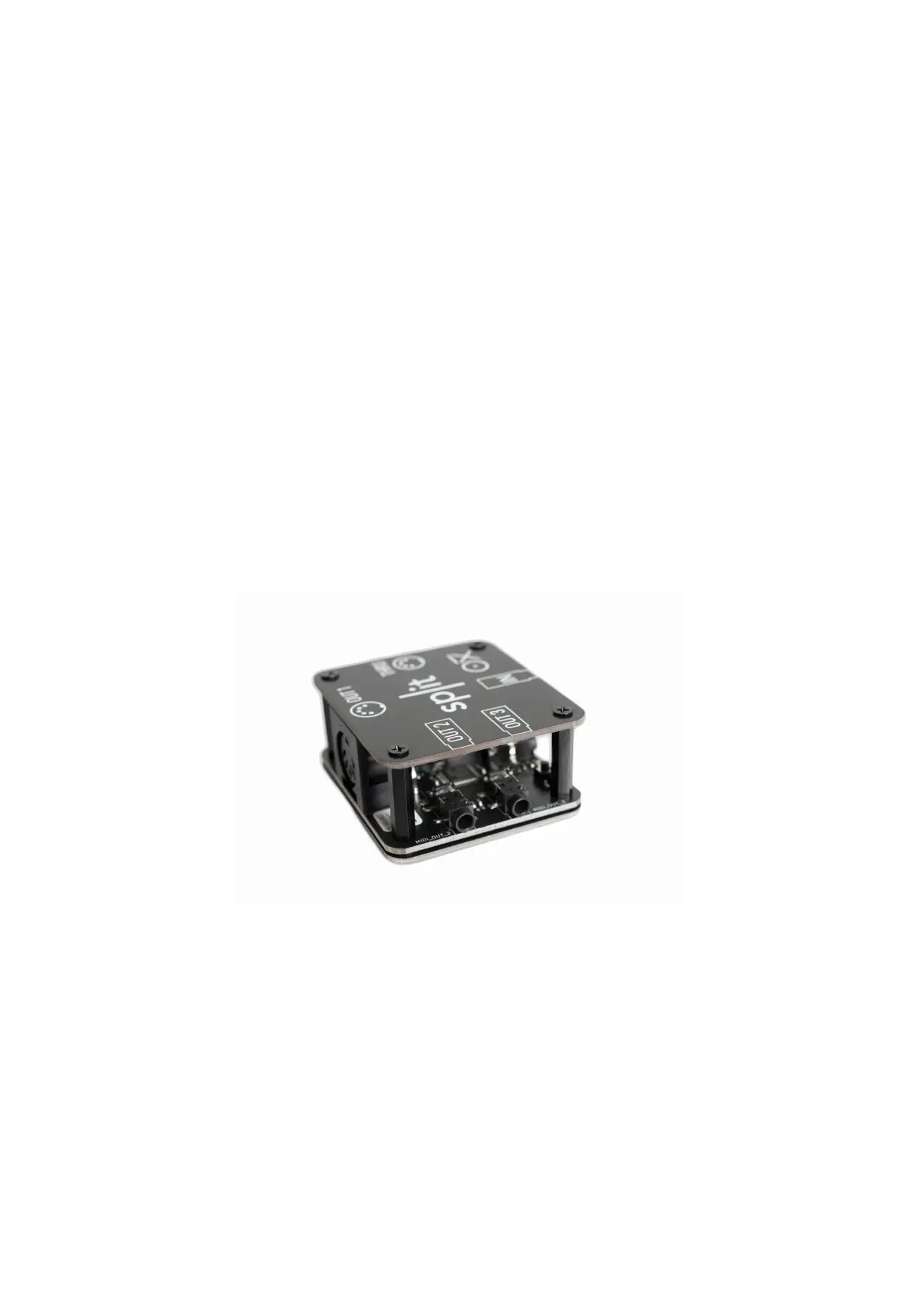
OXI SPLIT
To use your OXI Split, first you have to enable it in the Config menu.
Go to the “OXI Split selection” option and choose “Enable”.
When the OXI Split is connected and set up, you can choose from the OXI One which port of the Split
the messages will be sent to.
MIDI Channels from 1A to 16A will be outputted from the PORT 1 of the OXI Split.
MIDI Channels from 1B to 16B will be outputted from the PORT 2 of the OXI Split.
MIDI Channels from 1C to 16C will be outputted from the PORT 3 of the OXI Split.
This way you have a total of 48 MIDI channels at your disposal.
All the MIDI information received by the OXI One (from any of the MIDI sources: USB In, TRS In or BLE
In) will be sent through the THRU port of the OXI Split if the Thru Setting of that MIDI source (USB,
TRS or BLE) is active in settings.
The Split MIDI outputs are 3.3V (unlike OXI One port which is 5V). The TRS ones are Type A like the
main OXI One’s midi output port.



 To Next Page