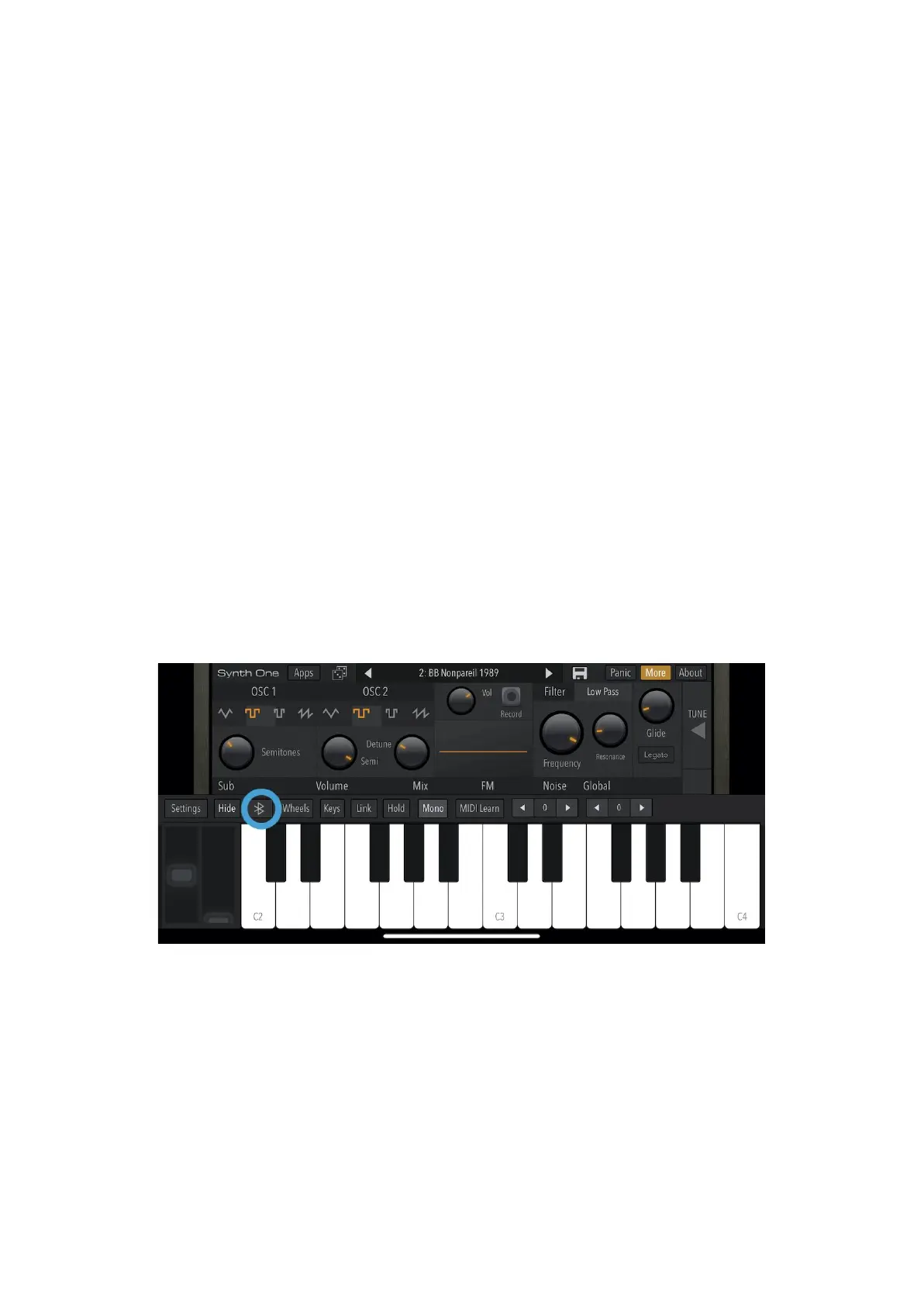
Press the Bluetooth icon and press “connect” on the Bluetooth Configuration Window and that’s it.
Your OXI One will be shown in your audio-MIDI apps as a MIDI device like OXI ONE BLE.
WINDOWS (Windows 8.1 or above)
First you must connect Windows with the Bluetooth MIDI device.
Click the Bluetooth icon in the task tray, and choose “Show Bluetooth Devices”.
In the Bluetooth device management screen, choose a device indicated as “Ready to pair” and click
“Pair.”
When the indication shows “Connected,” pairing is completed.
Last step is to download the MIDIberry app which makes the Bluetooth MIDI ports available for other
apps.
Start your MIDI application, and select the MIDI IN port and MIDI OUT port as necessary.
iOS
The connection has to be established from MIDI and Bluetooth settings of the app itself.
Let’s use the free iOS app Synth One for this example.
Go to the Bluetooth settings by clicking on the Bluetooth icon. (Sometimes this menu is found inside
other menus, like the MIDI settings menu).



 To Next Page