MIDI BLUETOOTH
OXI One incorporates MIDI over Bluetooth (BLE) and it is a dual role device. There are two ways of
using it.
For optimal performance, we recommend using any kind of dongle like the WIDI Master or the WIDI
Jack.
CENTRAL ROLE
OXI One can act as a hub for other MIDI Bluetooth peripherals like:
- Piano keyboards (ROLI Seaboard, CME Xkey Air, etc.)
- BLE dongles (CME WIDI BUD, DORE MIDI cable, etc.)
- BLE MIDI adaptors (WIDI Jack, WIDI Master, etc.)
- Controllers (AKAI LPD8, Korg nanoKEY, etc.)
- Others like the OP-Z
- Upcoming OXI Instruments products
OXI One will automatically connect (“pair”) to one peripheral device if it is on and advertising (which
means it’s looking for some central device to pair with them).
Only one connection at a time is currently supported.
PERIPHERAL ROLE
On the other hand, OXI One can be connected to other central devices like iOS or Android devices,
computers (Mac and Win natively support MIDI Bluetooth in their recent versions) and other Central
devices like CME WIDI Master.
The process of pairing the OXI One is different depending on the other device.
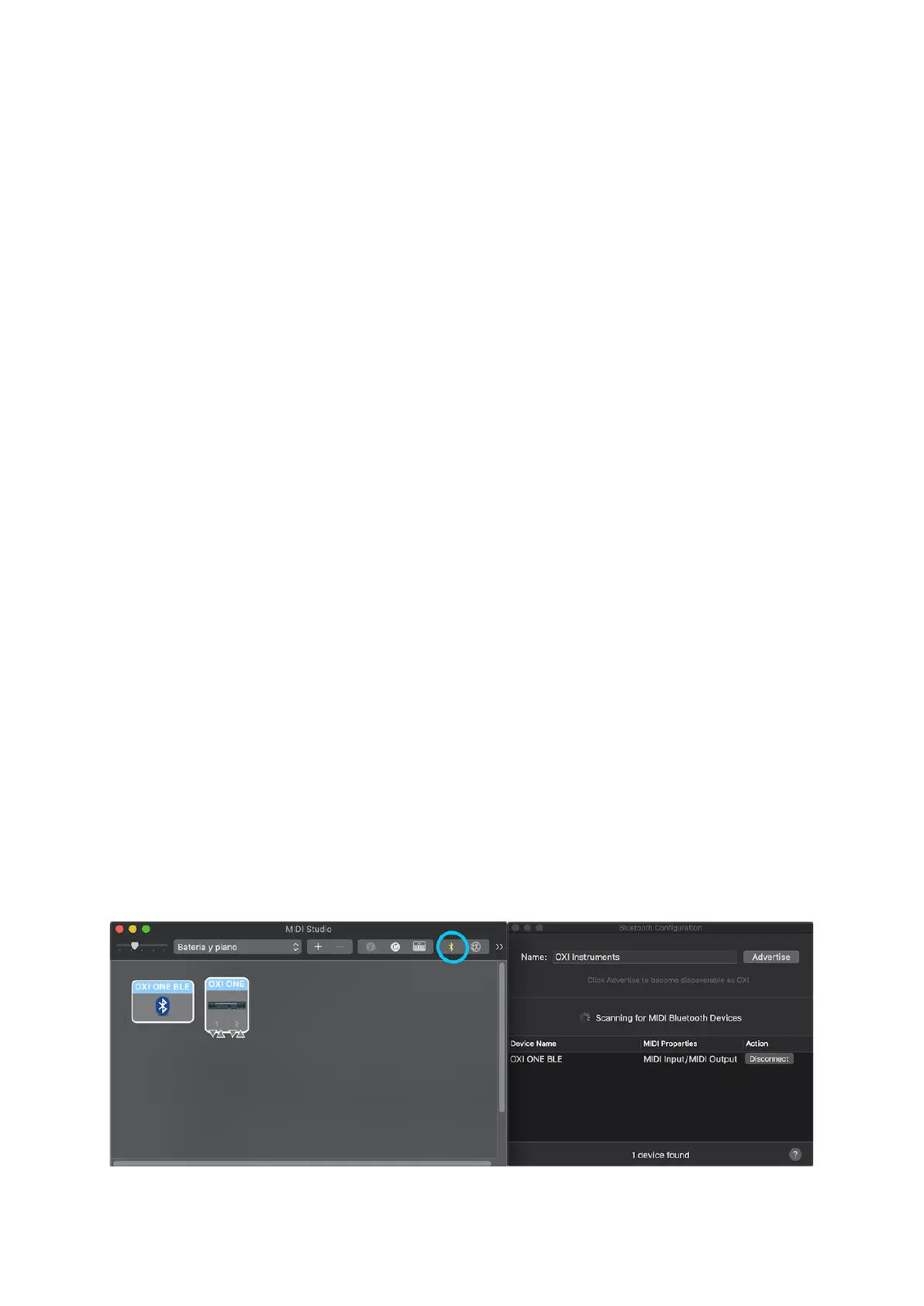
MAC OS X
You should open the native application Audio MIDI Setup and open the Bluetooth settings on the MIDI
Studio window:



 To Next Page